
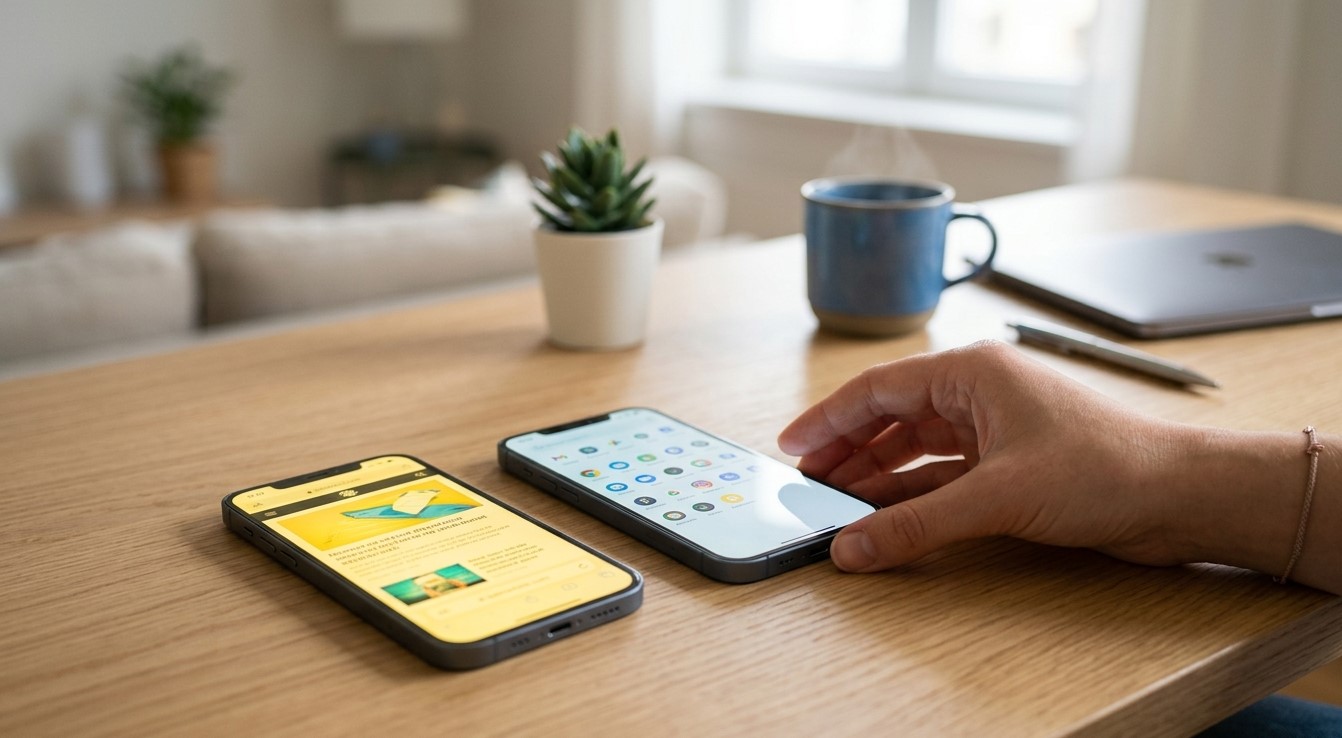
A smartphone screen that suddenly looks yellow, warm, or noticeably different from its usual appearance can be frustrating. Colors may appear less accurate, whites may look cream-colored, and the entire display can seem warmer than before. In many cases, a yellow screen is caused by a display setting such as Night Shift, Eye Comfort Mode, or a blue-light filter. However, screen discoloration can also result from software problems, overheating, liquid exposure, pressure, or physical damage to the display. If basic troubleshooting does not restore normal colors, professional cell phone repair El Paso can help identify the cause. For devices with damaged displays, services such as iPhone screen repair El Paso may also be necessary.
Yellow screen problems can occur on iPhones, Samsung Galaxy phones, and other smartphone models. If a Samsung display suddenly changes color or develops a persistent yellow tint, professional Samsung phone repair El Paso can help determine whether the problem is related to display settings, software, or hardware. Likewise, users searching for iPhone repair El Paso may need professional diagnostics if an iPhone screen remains yellow after display settings have been checked. SmartPhone Solutions can inspect the device and determine whether the issue requires simple settings adjustments or display-related repair.
What Does a Yellow Smartphone Screen Look Like?
A yellow-tinted display usually has a warmer color appearance than normal.
You may notice:
White backgrounds look yellow or cream
Photos have warmer colors
Gray areas appear slightly brown or yellow
Text backgrounds look unusual
The entire display appears warmer
One part of the screen looks more yellow than another
The important thing is determining whether the entire display has changed or only a particular area.
If the whole screen has a consistent warm tint, a software or display setting may be responsible.
If only one section is yellow, physical display damage becomes more likely.
Common Reasons a Phone Screen Turns Yellow
Several factors can change how a smartphone display looks.
Common causes include:
Night or blue-light filtering
Eye Comfort settings
True Tone or adaptive display features
Incorrect color settings
Software glitches
Display calibration problems
Overheating
Screen aging
Pressure damage
Liquid exposure
Physical impact
Faulty display components
The good news is that many yellow-screen problems can be corrected without replacing the display.
1. Check Night Shift or Blue-Light Filter Settings
One of the most common explanations for a yellow screen is a blue-light reduction feature.
iPhones may use Night Shift, while many Android phones provide similar features under names such as Eye Comfort Shield or blue-light filter.
These settings intentionally make the display warmer to reduce blue-light output, particularly during nighttime use.
Check your display settings and temporarily disable the feature.
If the screen immediately returns to its normal color, the display itself may be functioning correctly.
You can continue using the feature if you prefer the warmer appearance, but adjust its schedule or intensity if necessary.
2. Check True Tone or Adaptive Display Features
Some smartphones automatically adjust display color according to the surrounding environment.
On compatible iPhones, True Tone changes the display's color and intensity based on ambient lighting.
Android devices may offer similar adaptive display features.
Temporarily disable these settings and compare the display again.
If the yellow appearance disappears, the change may have been caused by an automatic color adjustment rather than a damaged screen.
3. Check Accessibility Color Settings
Accessibility features can sometimes change how colors appear.
Depending on your smartphone, settings may include:
Color filters
Color correction
Inversion
Contrast adjustments
Grayscale
Display accommodations
Review these options carefully.
If a color filter has been enabled accidentally, disabling it may immediately restore normal colors.
This is particularly worth checking if the screen changed appearance after another person adjusted your phone's settings.
4. Restart the Smartphone
A temporary software glitch can sometimes affect display behavior.
Restarting the phone reloads system processes and can clear temporary errors.
Turn the device off and restart it normally.
Once it has restarted, compare the display against a familiar image or white background.
If the yellow tint disappears after restarting but returns later, a software process or display setting may be responsible.
5. Check Whether the Yellow Tint Appears in Screenshots
Taking a screenshot can provide a useful diagnostic clue.
Capture a screenshot and view it on another device if possible.
If the screenshot looks normal on another display while your phone screen still looks yellow, the problem is likely related to your phone's physical display or display settings.
If the yellow tint appears in the screenshot itself, software or image-processing settings may be involved.
This test does not identify the exact cause, but it can help distinguish between software content and physical display problems.
6. Check for Overheating
Excessive heat can affect smartphone performance and, in some circumstances, display behavior.
If your phone becomes extremely hot before the yellow tint appears, allow it to cool naturally.
Remove it from direct sunlight and stop demanding activities such as gaming or video recording.
Avoid placing a hot phone in a freezer or refrigerator.
If the display returns to normal after cooling but changes color again whenever the phone becomes hot, persistent overheating deserves further investigation.
7. Inspect the Screen for Physical Damage
Look closely at the display under good lighting.
Check for:
Cracks
Dark spots
Yellow patches
Lines
Flickering
Pressure marks
Discoloration around edges
Areas with different brightness
If the yellow color is limited to one area, physical damage is more likely.
A drop or impact can damage the display layers even when the outer glass appears mostly intact.
In some cases, internal display damage may not become obvious until hours or days after an accident.
8. Consider Pressure Damage
Smartphone displays can be sensitive to pressure.
Keeping a phone in a tightly packed pocket, sitting on it, placing heavy objects on it, or applying excessive pressure during an impact can affect display layers.
Pressure damage may appear as a yellow, bright, dark, or distorted area.
Avoid pressing the affected area to see whether the color changes.
This can make the damage worse.
If discoloration remains in the same location, professional display inspection is recommended.
9. Check for Liquid Exposure
Liquid can affect the display and other internal components.
If the yellow tint appeared after exposure to water, rain, a spilled drink, or significant humidity, liquid damage may be involved.
Moisture can enter through openings around the display, charging port, speakers, or other components.
Even when a smartphone continues functioning, internal corrosion can develop over time.
If liquid exposure is suspected, professional inspection can help determine whether the display or internal connections have been affected.
10. Update the Operating System
Software updates may contain fixes for display-related bugs.
Check your smartphone for available operating system updates.
Before updating, make sure you have enough storage and battery power.
Also update applications regularly.
If the yellow tint started immediately after a software update, check whether another update or manufacturer patch is available.
Avoid installing unofficial software or display-modification tools that may interfere with normal color management.
11. Check Display Color Settings
Some smartphones provide advanced display controls.
Depending on the device, you may be able to select different color modes, such as:
Natural
Vivid
Standard
Warm
Cool
If the display has been set to a warm color mode, whites may appear yellowish.
Open your display settings and return the color profile to the manufacturer's standard or default setting.
This can often correct a color imbalance without requiring repair.
Why Does Only One Part of the Screen Look Yellow?
Localized yellow discoloration is different from a screen that looks uniformly warm.
If only one section of the display has a yellow patch, possible causes include:
Physical impact
Pressure
Display layer damage
Liquid exposure
Adhesive-related display problems
Aging or component failure
A software setting usually affects the entire screen rather than one small area.
Therefore, localized discoloration is more likely to require professional inspection.
Can a Screen Protector Cause a Yellow Appearance?
Yes, in some situations.
Certain screen protectors can develop a yellow tint as they age, particularly lower-quality plastic-based protectors.
If the phone's display itself looks normal but the surface appears yellowish, inspect the screen protector.
Compare the screen after temporarily removing the protector if it is safe and practical to do so.
A high-quality replacement protector may restore the original appearance.
Why Does an Older Phone Screen Turn Yellow?
Displays can change characteristics over time.
Repeated exposure to heat, sunlight, pressure, and normal use can contribute to display aging.
Older screens may develop uneven brightness or color shifts.
If the yellow tint gradually appeared over a long period rather than suddenly, display aging may be involved.
However, a sudden color change should not automatically be attributed to age. Settings and software should be checked first.
When Is Screen Replacement Necessary?
Screen replacement may be necessary when the yellow tint results from physical display damage.
This is more likely when:
A yellow patch remains permanently
The screen was recently dropped
Touch response is also affected
The display has cracks
Lines or flickering appear
Brightness is uneven
Liquid exposure occurred
Software settings do not change the color
A professional technician can determine whether the complete display assembly needs replacement or whether another component is responsible.
Can a Yellow Screen Affect Touch Performance?
A yellow color problem does not necessarily mean the touchscreen is damaged.
The display may continue responding perfectly even when its color balance has changed.
However, if discoloration appears alongside:
Delayed touch response
Unresponsive areas
Ghost touches
Flickering
Random touches
there may be physical damage affecting multiple layers of the display assembly.
In that situation, professional diagnostics are recommended.
When Should You Seek Professional Repair?
If your smartphone screen remains yellow after checking display settings and restarting the device, professional inspection may be appropriate.
Seek assistance if:
The yellow tint is permanent
Only one area is discolored
The phone was dropped
The phone was exposed to liquid
The screen is cracked
Touch response has changed
The display flickers
Brightness is uneven
The problem continues after software updates
For customers looking for cell phone repair El Paso, professional technicians can inspect the display and determine whether the issue is related to settings, software, or hardware.
Samsung users can consider Samsung phone repair El Paso when persistent color problems affect a Galaxy display.
For Apple users, iPhone repair El Paso can help diagnose unusual display colors and determine whether a screen replacement is necessary.
If an iPhone has visible screen damage, iPhone screen repair El Paso may be appropriate.
How to Prevent Screen Discoloration
You can take several steps to protect your smartphone display.
Use a quality protective case and screen protector. Avoid excessive pressure on the screen and keep the phone away from extreme temperatures.
Do not leave the phone in direct sunlight for long periods.
Keep liquids away from the device, even if the phone has some level of water resistance.
Avoid using damaged charging accessories that may contribute to excessive heat.
Keeping the operating system updated can also reduce software-related display problems.
Why Professional Diagnosis Matters
A yellow screen does not automatically mean that the display needs replacement.
Replacing a screen when the actual problem is Night Shift, Eye Comfort Mode, color correction, or another software setting wastes money.
On the other hand, repeatedly changing settings will not fix a display that has been physically damaged.
Professional diagnosis helps distinguish between simple configuration problems and genuine hardware failure.
Final Thoughts
A smartphone screen can turn yellow for many reasons, and the solution depends on what is causing the color change. Night Shift, blue-light filters, Eye Comfort settings, adaptive display features, color filters, and other software options can make a perfectly healthy screen look warmer. Overheating, screen aging, pressure, liquid exposure, and physical damage can also cause persistent discoloration.
Start by checking display and accessibility settings, restarting the phone, testing screenshots, allowing an overheated device to cool, and inspecting the screen for physical damage. If the yellow tint remains, professional cell phone repair El Paso can help identify the underlying problem. Samsung users can consider Samsung phone repair El Paso, while iPhone owners may benefit from iPhone repair El Paso diagnostics. If an iPhone has physical display damage, iPhone screen repair El Paso may be necessary to restore normal color and reliable screen performance. With assistance from a trusted provider such as SmartPhone Solutions, you can determine whether the yellow appearance is simply a setting or a sign that the display requires professional attention.
Comments
Log in or sign up to join the conversation.