

A sales leader often sees the problem before anyone names it. Forecast calls turn into debates about whether the pipeline is current. Reps keep side notes because Salesforce takes too long to update. The CRM may still be running, but people have stopped trusting it.
That loss of trust has a real cost. Salesforce's State of Sales report surveyed 5,500 sales professionals across 27 countries and found that reps spend only 30% of an average week selling. The same research says only 35% of sales professionals completely trust the accuracy of their organization's data. A CRM that adds admin work or produces doubtful reports can make that gap harder to close.
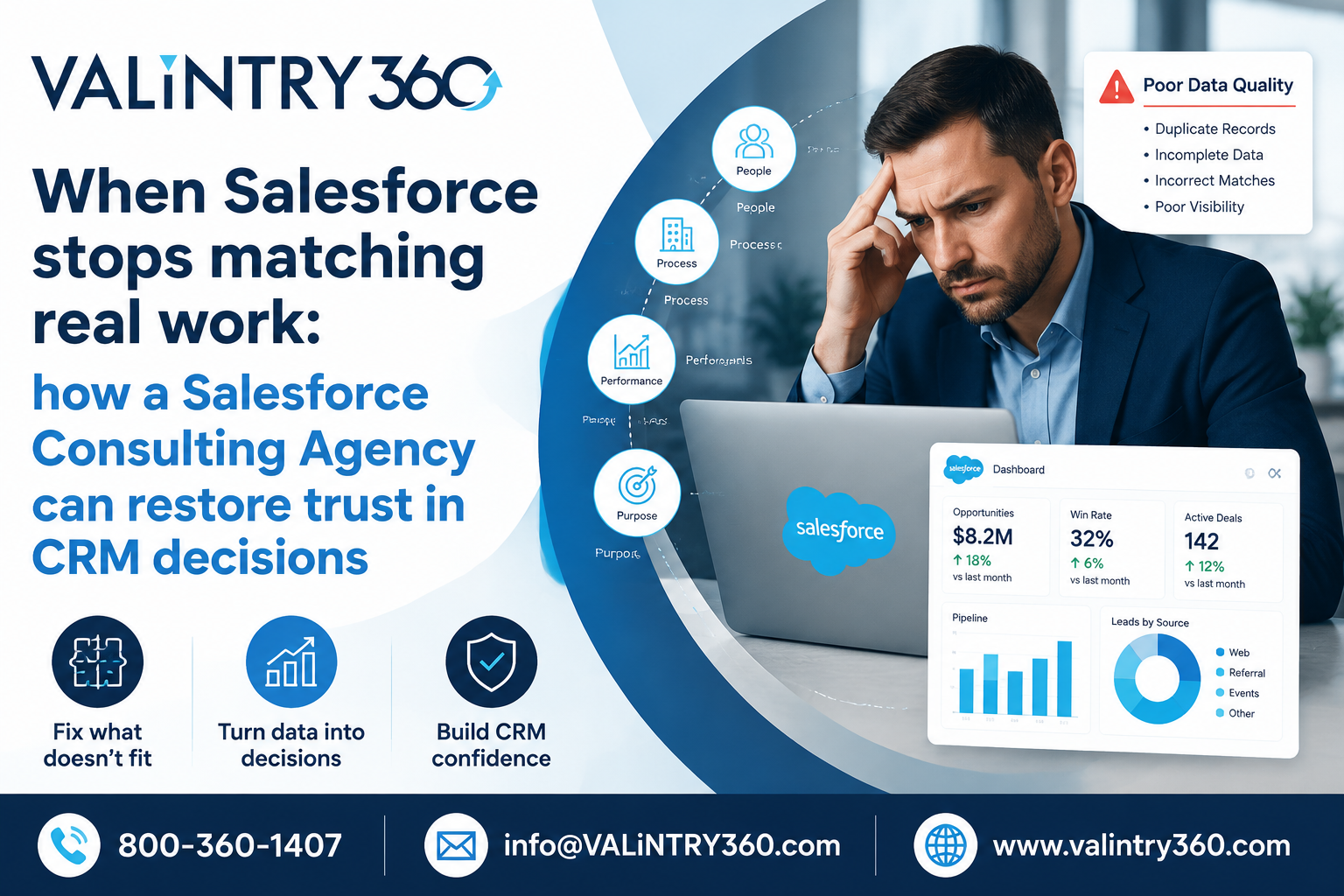
The visible CRM problem often starts with a mismatch in daily work
Salesforce problems often show up as behavior before they look technical. Users skip fields, delay updates, or build spreadsheets because the CRM doesn't fit the work. What looks like poor discipline may be a sign of a bad process fit.
The Salesforce State of Sales report found that 70% of sales time goes to nonselling work. It also found that 49% of sales professionals didn't know how to use generative AI safely at work. Those figures point to a wider issue. New tools don't remove poor process design, weak data rules, or unclear ownership.
Quick fixes fail when the team treats symptoms as separate problems
A common response is to add another field, Flow, report, or training session. The problem starts when no one checks how the change affects the full process. One local fix can create duplicate work elsewhere.
Research supports this concern. A 2026 study of digital tools in B2B sales found that resistance grew when tools created admin duplication, reduced a seller's sense of control, or didn't fit existing routines. The study also found that perceived usefulness was a major driver of adoption. This helps explain why more training alone may fail when the workflow itself still feels wrong.
A better first move is to define the problem in business terms. A Salesforce Consulting Agency should trace how a lead, case, account, or renewal moves through the system before changing the build. That review should show where users wait, re-enter data, leave Salesforce, or lose context. The goal is to fix the cause before adding more configuration.
Diagnosis should come before another round of build work
A useful review starts with evidence from the current org. It should connect field use, automation, permissions, reports, integrations, and user feedback with the work people need to complete. A technical issue matters because of the business problem it creates.
VALiNTRY360 describes this type of work as a review of setup, processes, data structure, automation, integrations, and adoption before changes are recommended. Its Salesforce health check services also cover areas such as automation, code, integrations, data health, performance, and access controls. That sequence creates a ranked problem list before teams spend time on new features. It also gives leaders a clearer basis for deciding what should be fixed now and what can wait.
CRM design works better when it follows the real operating process
Good CRM design starts with how a team sells or serves customers. It should define what Salesforce must record, automate, and show at each step. Salesforce CRM Consulting can help when internal teams know the business problem but need help turning it into a workable CRM design. The work should remove avoidable steps and make correct use easier.
This point also appears in research on CRM success. A systematic review of CRM success factors examined the relationship between people, process, technology, and analytics capability. Its framework treats those factors as connected rather than isolated. That matters because a clean build can still fail when ownership, process rules, or user behavior remain unclear.
Data ownership must be clear before AI or automation can be trusted
Salesforce can automate bad inputs as easily as good ones. Duplicate accounts, unclear source fields, or weak permissions can spread through reports and automation. AI adds another reason to fix those controls. The Salesforce survey found that only 35% of sales professionals completely trusted their organization's data.
The NIST Data Governance and Management Profile work treats data governance as a starting point for managing privacy, security, and AI risk together. For a CRM team, that means assigning owners to important data and defining who can change it. It also means reviewing what happens when data moves between Salesforce and other systems.
This is where Salesforce Consulting Services should connect technical changes with clear operating rules. A team needs to know who owns each key field, which system is the source, and what happens when records conflict. Without those decisions, new automation can make uncertainty spread faster.
Improvement should be visible in behavior and decisions
A better CRM should make everyday work easier to complete inside the system. Reps should need fewer side spreadsheets. Managers should spend less time checking whether reports are current. Admin teams should see fewer repeat requests caused by unclear fields or broken handoffs.
Measurement should start with the pain that caused the review. Track a small set of signals such as manual update time, duplicate rates, report exceptions, or user completion rates. Compare them before and after the change. A baseline matters because faster work can still produce poor data, and cleaner data has little value if users avoid the process.
Start with one workflow and one measurable problem
The safest first step is to choose one workflow that causes visible delay or doubt, then trace it from start to finish. Record where people leave Salesforce, repeat work, correct data, or question a report. Fix the causes in that path before expanding the scope. A small scope also makes ownership clearer and gives the team a baseline for the next change. A good result is easy to see when the process takes less effort and the data is easier to trust. The team should also have fewer reasons to work around the CRM.
Frequently asked questions
How do I know whether Salesforce needs consulting or only admin support?
Consulting makes sense when the problem crosses process, data, system design, or team ownership. Admin support is often enough for clear tasks such as a report change or a known permission update. If the same issue keeps returning in different forms, a wider review is usually more useful.
Why do Salesforce users keep returning to spreadsheets?
Users often return to spreadsheets when the CRM feels slower than the work they need to finish. Missing data, too many required fields, or weak reporting can also push users outside the system. The right fix depends on why the spreadsheet feels easier.
Can more training solve low Salesforce adoption?
Training can help when users don't know how to complete a valid process. It won't fix a process that asks for duplicate work or doesn't match real roles. Check the workflow before assuming the problem is a lack of instruction.
How often should a Salesforce org be reviewed?
The review cycle depends on how often the org changes and how much risk it carries. Teams with frequent releases, many integrations, or fast user growth may need more regular checks. A quieter org can use a longer cycle, but it should still review recurring errors and data quality.
What should a Salesforce consultant review first?
The first review should focus on the business symptom that caused concern. The consultant can then trace the workflow, data, automation, access, and reporting tied to that symptom. This keeps the work linked to a real operating need.
What does improvement look like after Salesforce changes?
Improvement should show up in both system measures and user behavior. Reports should need less manual checking, and users should complete more work in the intended process. Leaders should also be able to make decisions with fewer questions about whether the CRM is current.
For more info Contact us 800-360-1407 or send mail at [email protected] to get a quote
Comments
Log in or sign up to join the conversation.