
TempMailbox: The Smart Way to Stay Anonymous and Spam‑Free Online
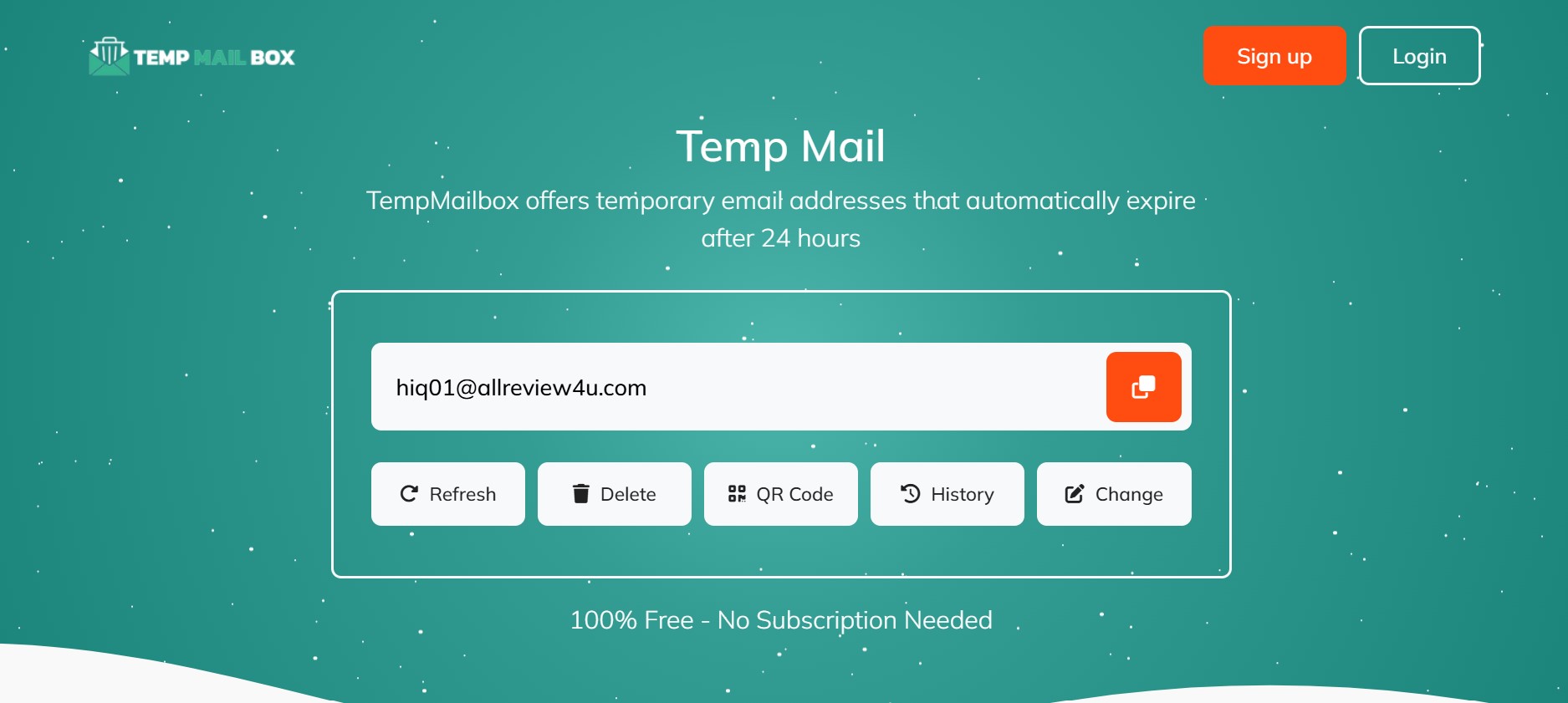
Every time an online service asks for an email address, it quietly adds one more point of vulnerability to your digital life. Newsletters, giveaways, app sign‑ups, free Wi‑Fi portals, one‑time downloads, beta programs—each one seems harmless, but together they create a massive trail of personal data. This is exactly where temporary email services like TempMailbox change the game, giving you a fast, disposable address you can use without handing over your real inbox.
A temporary email address is a short‑lived inbox created specifically to receive messages for a limited time. On platforms such as TempMailbox, you get a random email address instantly, no registration, no password, no personal data required. You can receive messages, confirmation codes, and activation links just as you would with a regular email—then simply walk away when you’re done. The address expires and your trail effectively disappears.
The core benefit is privacy. Your main email is typically tied to your identity: it may contain your name, be linked to bank accounts, social networks, and cloud storage. When you hand it to every site that asks, you increase the chances of spam, aggressive marketing, and even data breaches. With a disposable inbox, you maintain a clean separation between your real identity and your casual or one‑time online interactions.
Security is another major factor. Massive data leaks happen regularly, and email lists are among the first things stolen and sold. When an email is temporary, it becomes a dead end for attackers—no password reuse risk, no long‑term phishing, and nothing valuable attached to it. The account simply ceases to exist, taking all its risk potential with it.
Convenience should not be underestimated either. Creating yet another “throwaway” account with traditional email providers means picking usernames, setting passwords, completing captchas, and remembering recovery options. A temporary mailbox skips all this friction. You open the page, grab your free temp address, receive what you need, and move on. For heavy internet users, testers, developers, and privacy‑conscious individuals, this small time savings adds up to hours over months or years.
In a world where every site wants your contact information, a quick, disposable inbox becomes a powerful tool. A service that gives you a clean, short‑term address lets you keep your primary inbox tidy, your identity safer, and your browsing experience more peaceful.
How TempMailbox Works and When to Use It Effectively
A temporary email service is built on a simple concept: generate an email address on demand, route incoming messages to a lightweight web interface, and allow the address to expire after a short period. While the idea sounds basic, the use cases are surprisingly rich, covering everything from simple newsletter sign‑ups to advanced testing scenarios for developers and marketers.
When you visit a site that offers temporary email addresses, you typically see an address already created for you on the homepage. There is no login; the system generates a random local part (the part before the @ symbol) and associates it with the service’s domain. Any message sent to that address appears in your on‑screen inbox within seconds. You can open the email to click links, copy codes, or view attachments for as long as the address stays active.
Typical uses include registration on websites that require email verification but do not need long‑term contact, such as one‑time coupon offers, content downloads, demo accounts, or contests. Instead of feeding these services your genuine, long‑lived email address, you use a disposable one. Once the verification link has been clicked and the account or download unlocked, you can abandon the address—no future newsletters, no follow‑up promotion, no tracking emails cluttering your real inbox.
Another common scenario involves free trials or testing environments. Many SaaS platforms limit free accounts “per email address.” With a temporary mailbox, you can test features multiple times, simulate different user accounts, or validate email‑based workflows without constantly cycling through your personal addresses. This is especially useful for QA teams and developers who must see how sign‑up flows, password resets, and notification systems behave under realistic conditions.
There is also a subtle privacy advantage in situations where you are not sure about a website’s legitimacy. By using a disposable email instead of your primary one, you reduce the amount of personal data a potentially untrustworthy service can gather about you. Even if the site sells or shares contact lists, the data is far less valuable, and your main identity remains protected.
However, it is important to be strategic. A temporary inbox is ideal for short‑term interactions, but not for anything mission‑critical. You should not use it for banking, tax accounts, primary social media, long‑term subscriptions, or services you rely on for work. Those require stable, secure email addresses and strong account recovery options. The strength of a temp address is disposability; the weakness is that there is no guarantee you can access it days or weeks later.
Used thoughtfully, though, a temporary email becomes an essential piece of your digital toolkit. It lets you explore the web with less friction, more anonymity, and far less spam, while keeping your trusted inbox reserved for genuinely important communication.
Practical Scenarios, Real‑World Benefits, and Best Practices for Using Temporary Email
Temporary email sounds abstract until you see how much it can simplify everyday online tasks. Consider the simple act of downloading a whitepaper or free e‑book. Many marketing sites demand an email address before letting you access their content. If you provide your primary address, you may receive weeks or months of promotional emails. With a short‑term inbox, you can receive the download link, grab the file, and never hear from that list again.
Another real‑world scenario is public or shared computers, such as in libraries, co‑working spaces, or internet cafés. Logging into your main email on these machines increases the risk of keyloggers, forgotten logouts, or shoulder surfing. If an online service needs an email for quick verification while you are on such a machine, a disposable address is far safer. You get the verification code without exposing personal or work accounts on potentially insecure hardware.
Developers and QA teams gain a different set of advantages. They often need to test features like multi‑user registration, email notifications, and password recovery at scale. Manually creating dozens of permanent accounts is slow and unnecessary. With temporary inboxes, testers can spin up multiple independent addresses on demand, run end‑to‑end tests, and throw away the test data once finished. This speeds up development cycles and keeps test data from polluting production systems.
There are also subtle but important privacy wins in dating apps, classified ads, and short‑term marketplaces. Using your main email in these environments can link your real‑world identity to activities you might prefer to keep separate. A temporary address offers a buffer, enabling communication during the initial, more uncertain stages of interaction. If the relationship or transaction matures into something more permanent, you can later choose to share a more stable email.
To maximize benefits, a few best practices help. Treat your temporary mailbox as a tool for low‑risk, short‑term interactions. Always assume that anything connected to that email could vanish along with it, so avoid relying on it for receipts, legal documents, or critical account recovery. For services that might be important later but still generate spam, consider using a secondary permanent email account instead—something that is separate from your main inbox but not entirely disposable.
Be mindful of links and attachments, even in a temporary inbox. While disposable addresses protect against long‑term spam and data harvesting, they do not make you immune to malware or phishing attempts. If a message in your temp inbox looks suspicious—poor grammar, urgent calls to action, or unexpected attachments—treat it with the same caution you would in your main email. Privacy and security work best together, not as substitutes.
Finally, integrate temporary email into your broader digital hygiene habits. Combine it with password managers, two‑factor authentication for critical accounts, and a sensible approach to sharing personal information online. In that context, a fast, disposable inbox is not just a convenience; it becomes a cornerstone of a more private, more controlled online identity, helping you decide where and how your digital footprint appears instead of letting every website decide for you.
Comments
Log in or sign up to join the conversation.