
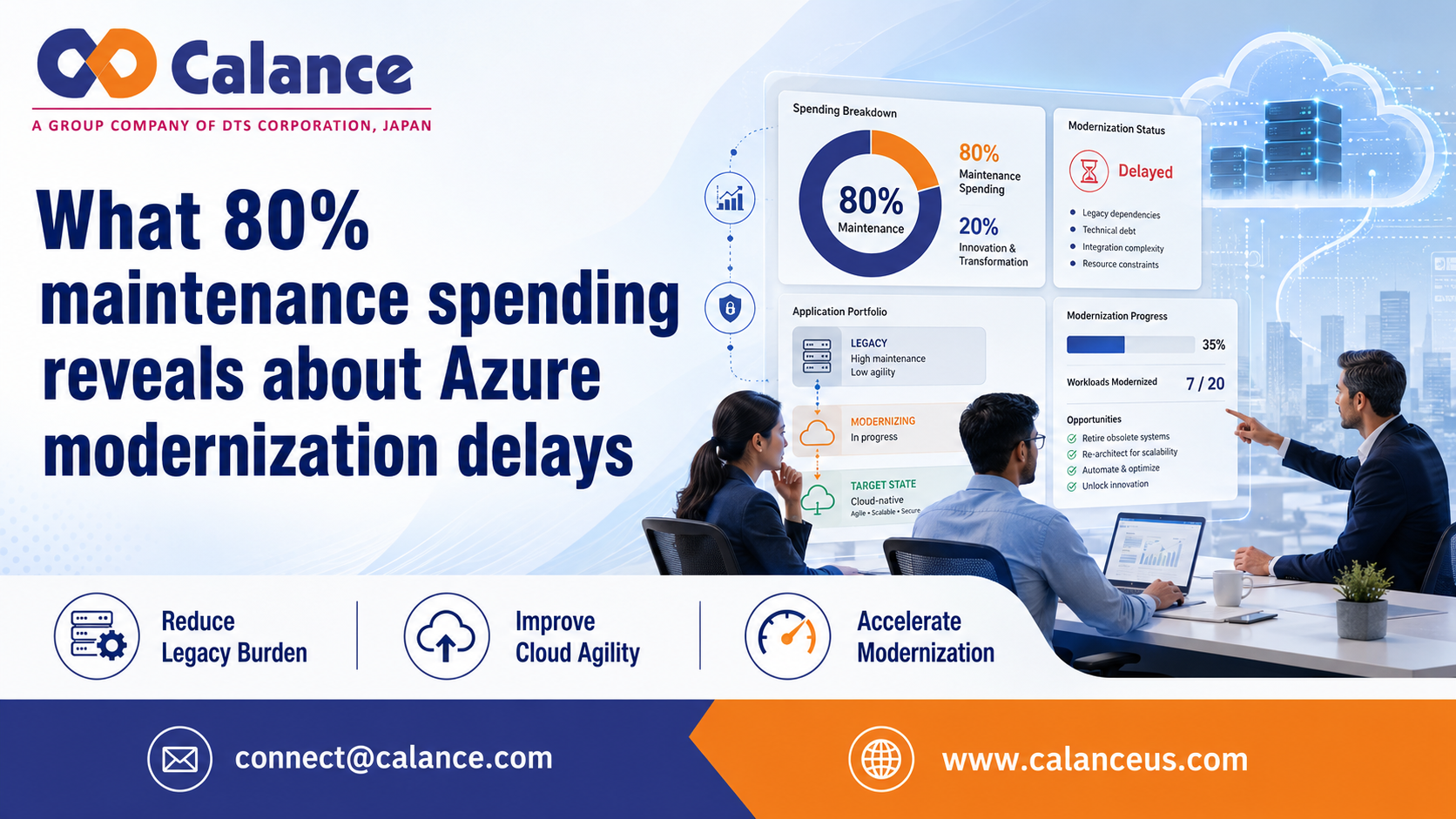
Azure modernization often slows before any application moves. In July 2025, the U.S. Government Accountability Office reported that the federal government spends more than $100 billion on IT and cyber work each year. Agencies usually direct about 80% of that money to operations and maintenance. The review also found that only 3 of 10 major modernization projects named in 2019 were complete by February 2025. Some remaining projects may take at least 5 more years.
These figures cover federal systems, so they aren’t a general business benchmark. Still, they show a common problem. Teams must keep old systems running while they plan new ones. Work slows when people don’t agree on the current setup, the risks, or the order of work.
The process first breaks during workload discovery
The expected process seems clear. A team lists its applications, maps dependencies, chooses a target design, estimates cost, and plans each migration wave. The real process is often less direct. Teams return to discovery when they find a missed integration, an old support contract, or a hidden database link.
These problems are signs of weak records. The deeper cause is often an application list that shows servers and software but leaves out business needs. It may not show who owns the system, how data moves, or what must be restored first after a failure. Each missing detail causes more meetings and new estimates.
A sound Azure cloud modernization plan should connect each workload to its business purpose. It should also show who can approve changes and what the team must protect. This gives people one clear record to use during design and testing. It also reduces repeated discovery work.
Eight migration choices make weak criteria easy to see
Microsoft’s migration strategy guidance lists 8 paths. A team can retire, retain, rehost, replatform, refactor, rearchitect, rebuild, or replace a workload. Each path changes the cost and the testing effort. It also changes the skills and time the team will need.
Work stalls when every workload gets the same default path. It also stalls when teams debate options without shared rules. A low-value system may need to be retired. A stable system with high support costs may suit replatforming.
Customer-facing software may need deeper code changes. That choice should come from evidence about speed, support, and dependencies. Azure Cloud Application Modernization Services can help teams set those rules before work begins. Clear rules reduce debate and make later choices easier to defend.
Missing dependencies force teams to repeat completed work
Dependency gaps often appear during testing. A test system may work well while production fails because it uses old service accounts or fixed network addresses. A scheduled job may still depend on a local file path. An external system may also expect data in an old format.
Each hidden link sends the team back to planning. Scope changes, cost estimates rise, and test work must be repeated. The symptom is a failed test, but the root cause is weak discovery. The team didn’t record how the application behaves in the real environment.
A useful dependency map should cover the database, identity path, data exchange, recovery target, and system owner. It should follow the workload from assessment through cutover. Azure modernization and migration services can use this map to set the order of work and test each link. That makes discovery a controlled record instead of a one-time workshop.
Cloud cost rises when usage has no clear owner
Cost problems begin when a target design has prices but no usage baseline. The 2025 State of FinOps report included firms responsible for more than $69 billion in cloud spending. It found that 31% of respondents managed more than $50 million a year. Another 20% managed more than $100 million.
The report also found that 63% were already managing AI spending. That change can add new services before cost controls are ready. A migration plan may look affordable during design but cost more after release. This often happens when no one owns the usage assumptions.
Teams should record expected compute hours, storage growth, network transfer, and licence costs. They should also include support costs and the period when old and new systems run together. Each assumption needs an owner and a review date. When actual use differs, the team can find the reason instead of accepting a higher bill without explanation.
Cutover risk grows when rollback depends on memory
A cutover plan can list tasks and still fail. Problems start when people don’t know who can stop the release or when they must roll back. The Uptime Institute’s 2025 outage analysis found that 54% of respondents said their latest major outage cost more than $100,000. About 1 in 5 said the cost was above $1 million.
The report also found that nearly 40% had faced a major outage caused by human error during the past 3 years. In 85% of those cases, staff failed to follow a process or the process itself had faults. These figures cover data centre outages, not only Azure projects. The lesson still matters during migration.
Good Azure application modernization services should define who can stop a release and what proof allows it to continue. The plan should state how the team will check data after the move. It should also set a clear point for rollback. A written runbook gives every person the same steps during a tense change window.
Small migration waves expose the real causes of delay
A lasting fix starts with a small but useful first wave. The team shouldn’t choose only the easiest application. The first wave should test real identity needs and data flows. It should also test release controls and support handoffs.
The purpose is to test how the team works, not only whether the technology works. The wave should reveal missing owners and weak checks. It should also show where approvals take too long. Later waves can then use the lessons from real work.
Each new wave should start after the open issues from the last wave have owners and due dates. Teams should compare planned effort with actual effort. They should record every late dependency and every delayed decision. This helps the process improve instead of repeating the same faults at a larger scale.
Measure decision delay before migration speed
Azure modernization often slows because teams wait for information or approval. The migration tool is rarely the first cause. Teams should track how long key decisions stay open and why they wait. Decision delay is the best first measure because it shows where the process stops before technical work can move.
Frequently asked questions
What should a team measure first?
Measure decision delay first. This is the time between finding an issue and approving the next action. A long delay often points to missing owners or weak records. Tracking it by workload shows where work stops before technical tasks can continue.
Is rehosting enough for every old application?
No, rehosting doesn’t suit every application. It can work when the software is stable and still supported. It may also help when a deadline requires a fast move. The team should still review licence cost, performance, and future support needs.
How can a team check if an application is ready?
The team needs verified dependencies and tested identity paths. It also needs agreed recovery rules and baseline performance data. A rollback method should be written and tested. The application isn’t ready when major questions remain open.
How are migration and modernization different?
Migration changes where an application runs. Modernization changes how it is built or managed. A team may move software to Azure with few code changes, then update it later. Keeping the 2 choices separate helps control scope and cost.
How large should the first migration wave be?
There is no fixed number that fits every company. The first wave should be small enough to control but varied enough to test real risks. It should include common dependencies and normal support needs. A wave that avoids every hard case won’t teach the team enough.
For more details, Click Here
Get In Touch
Mail Id: [email protected]
Comments
Log in or sign up to join the conversation.