
It's 2 PM on a Saturday. A customer walks into your store and buys the last blue medium hoodie on the shelf. Ten minutes later, someone across the country clicks "buy now" on your Shopify store for the exact same item.
Now you have two orders and zero hoodies.
This is one of the most common — and most avoidable — problems in retail today. And it almost always comes down to one thing: your point-of-sale system and your online store aren't talking to each other in real time.
If you run a Lightspeed POS and sell through Shopify, this scenario probably sounds familiar. Let's break down why it happens and what you can actually do about it.
The Real Problem: Two Systems, One Inventory
Most retailers didn't plan to run two separate inventory systems. It just happened.
You started with a physical store and Lightspeed handled everything — sales, stock counts, customer records. Then you added a Shopify store to reach more customers. Suddenly you had two "sources of truth" for the same products.
The problem is that inventory doesn't naturally sync between them. Every sale, return, or stock adjustment in one system needs to be reflected in the other — instantly, not hours later.
According to research from the National Retail Federation, retailers with unified commerce operations report inventory accuracy rates above 95%, compared to under 70% for retailers running disconnected systems. That gap isn't small. It's the difference between a smooth customer experience and a steady stream of apology emails.
What Overselling Actually Costs You
Overselling isn't just embarrassing — it's expensive. Consider what happens after that hoodie sells twice:
You have to notify the online customer their item is out of stock
You either refund them or scramble to reorder from a supplier
Customer trust takes a hit, and repeat purchase rates for that shopper often drop
Your support team spends time on an order that should have taken thirty seconds to process
A 2023 Baymard Institute study on ecommerce checkout friction found that unexpected stock issues are among the top five reasons customers abandon a brand entirely after a bad experience — not just a single order.
Multiply this by dozens of SKUs across a busy shopping weekend, and it's easy to see how disconnected systems quietly erode both margin and reputation.
Why This Keeps Happening (Even to Careful Retailers)
Retailers often assume this is a training issue — that staff just need to "update the spreadsheet" more often. In reality, the root cause is almost always structural.
1. Manual updates can't keep pace with real sales velocity. If someone is manually exporting Lightspeed sales data and uploading it to Shopify once a day, you're always working with stale numbers. A busy Saturday can blow through your buffer stock hours before the next update.
2. Multiple sales channels compound the problem. Add a marketplace listing on Amazon or Etsy, and now you're trying to manually reconcile three or four inventory counts. Human error becomes almost guaranteed.
3. Lightspeed and Shopify use different data structures. Product variants, SKUs, and bundle configurations aren't always mapped the same way between platforms. Without a proper connection layer, even automated exports can create mismatched or duplicate listings.
4. Returns and exchanges are rarely accounted for. A return processed in-store needs to add stock back to the online count immediately. Most manual processes handle this last, if at all.
Practical Solutions: What Retailers Can Do Right Now
Before looking at integration tools, there are a few operational habits that meaningfully reduce risk:
Set safety stock buffers. Many retailers hold back 5–10% of on-hand inventory as a buffer against sync delays, especially for fast-moving items.
Audit inventory weekly, not monthly. Frequent smaller reconciliations catch discrepancies before they snowball.
Centralize SKU management. Make sure product identifiers match exactly across platforms — inconsistent SKUs are one of the most common causes of failed syncs.
Flag high-velocity items for closer monitoring. Not every product needs the same level of attention. Identify your top 20% of sellers and watch those counts more closely.
These habits help, but they treat the symptom. The underlying fix is connecting the two systems so inventory updates happen automatically, in both directions, without someone manually reconciling spreadsheets.
Lightspeed eCommerce Integration: Closing the Gap
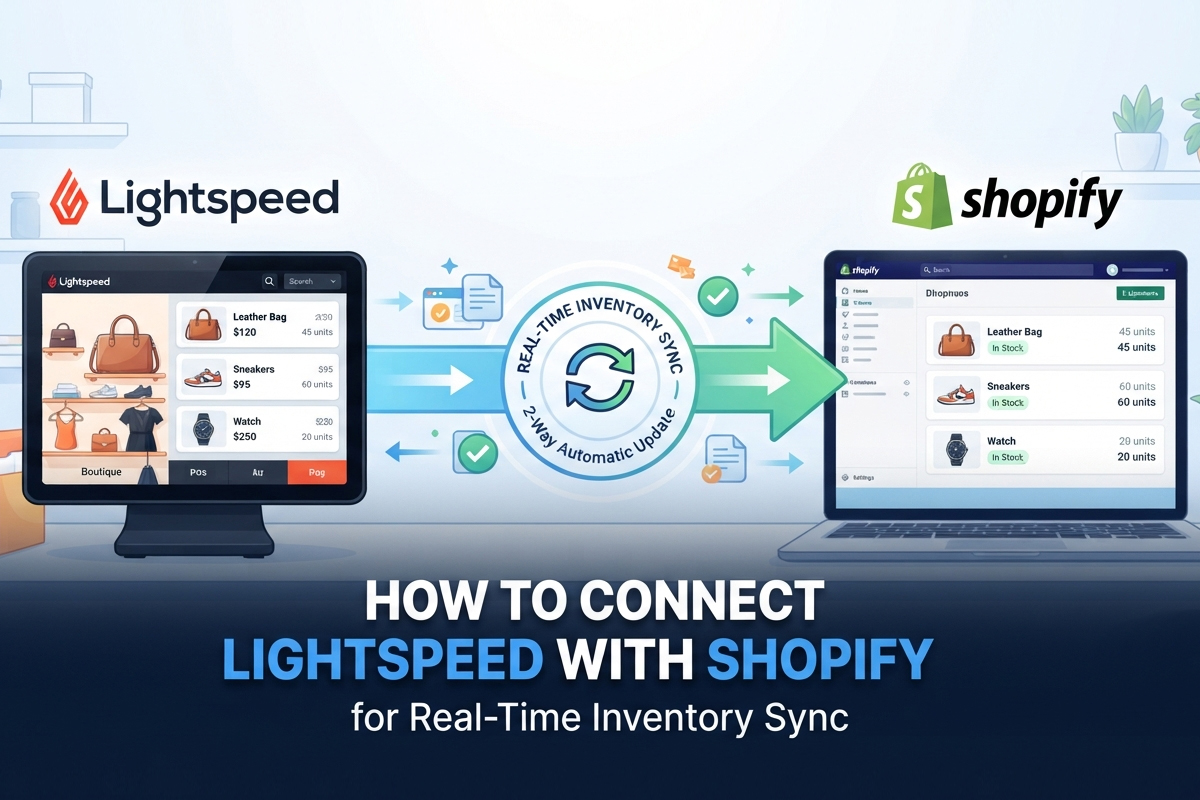
This is where a proper Lightspeed Shopify integration comes in. Rather than treating your POS and online store as separate systems that occasionally sync, an integration layer keeps them in constant communication.
Quick Answer: A Lightspeed eCommerce integration connects your in-store POS to your Shopify storefront so that every sale, return, or stock adjustment updates both systems automatically — typically within seconds rather than hours.
Done well, this kind of Lightspeed inventory sync handles a few things automatically:
Near Real-time stock updates — a sale in-store immediately adjusts online availability, and vice versa
Order routing — online orders can be fulfilled from the nearest location with available stock
Product data consistency — pricing, variants, and descriptions stay aligned across channels
Return reconciliation — in-store returns update online inventory without manual entry
This is the foundation of what's often called omnichannel inventory management — treating every sales channel as one connected system rather than a collection of separate silos.
One example of this kind of connector is Octopus Bridge, a middleware tool that links Lightspeed POS data with Shopify (along with other platforms like WooCommerce and BigCommerce). It's not the only option on the market, but it illustrates the general approach: instead of manually exporting and importing data, the integration runs continuously in the background, pushing updates both ways as transactions happen.
The specifics vary by tool, but the underlying principle is the same — automate the parts of inventory management that don't require human judgment, so your team can focus on the parts that do.
What to Look for in an Integration Tool
If you're evaluating options, a few questions are worth asking:
Does it sync in real time, or on a scheduled interval?
Can it handle product variants and bundles correctly?
Does it support multiple locations if you have more than one store?
What happens if the connection drops — is there error logging and alerting?
A tool that fails silently is arguably worse than no automation at all, because you may not notice the problem until a customer does.
Beyond Sync: Making Sense of the Data
Once inventory is flowing correctly between systems, a second challenge often surfaces: you now have more data than you know what to do with.
Sales velocity by location, seasonal trends, slow-moving stock, margin performance by category — this information exists inside Lightspeed but pulling it into something actionable can take real effort.
This is where retail analytics for Lightspeed tools, such as Retail Advisor by octopus Bridge, come into play. These tools sit on top of your POS data and translate raw transaction history into readable reports — flagging which products are trending, which locations are underperforming, and where inventory is sitting too long. For retailers already using Lightspeed R Series or X Series, this kind of reporting layer can help turn sync accuracy into actual decision-making, rather than just cleaner numbers.
The distinction matters: inventory sync solves an operational problem. Analytics solves a strategic one. Retailers who invest in both tend to make faster, more confident decisions about purchasing and merchandising.
Where This Is Heading
Retail is moving toward tighter integration, not looser. A few trends worth watching:
AI-assisted demand forecasting is starting to appear in mainstream retail tools, predicting stockouts before they happen rather than just reporting them after the fact.
Unified customer profiles across in-store and online purchases are becoming a baseline expectation, not a premium feature.
Same-day fulfillment from retail locations is pushing more retailers to treat stores as fulfillment nodes, which only works if inventory data is accurate in real time.
None of these trends work without a solid inventory sync foundation first. It's the unglamorous infrastructure layer that makes everything else possible.
Key Takeaways
Disconnected POS and eCommerce systems are one of the leading causes of overselling and inventory errors in retail.
Manual reconciliation can't keep pace with real sales velocity, especially across multiple channels.
Operational habits like safety stock buffers and frequent audits help, but automated sync solves the root cause.
Real-time integration between Lightspeed and Shopify keeps stock counts, pricing, and order routing consistent across every channel.
Once sync is reliable, analytics tools can turn that clean data into better purchasing and merchandising decisions.
Getting inventory sync right isn't glamorous work, but it's foundational. Retailers who solve it well spend less time firefighting stock issues and more time actually growing the business.
Comments
Log in or sign up to join the conversation.