

Salesforce data can support forecasts and executive reporting, yet many teams still rebuild numbers in spreadsheets. Salesforce’s 2026 State of Sales research found that 51% of sales leaders using AI said disconnected systems were slowing their AI work, while 74% of sales professionals were focusing on data cleansing. High performers also gave data hygiene more attention, with 79% treating it as a priority compared with 54% of underperformers. The 2026 State of Sales findings show why analytics work must begin with connected records and agreed business logic.
A Tableau project linked to Salesforce should answer one practical question: can each user see a trusted number and act before it becomes old? This guide explains what Salesforce Tableau consulting covers, how integration works, which platform choices matter, and how to judge the finished system.
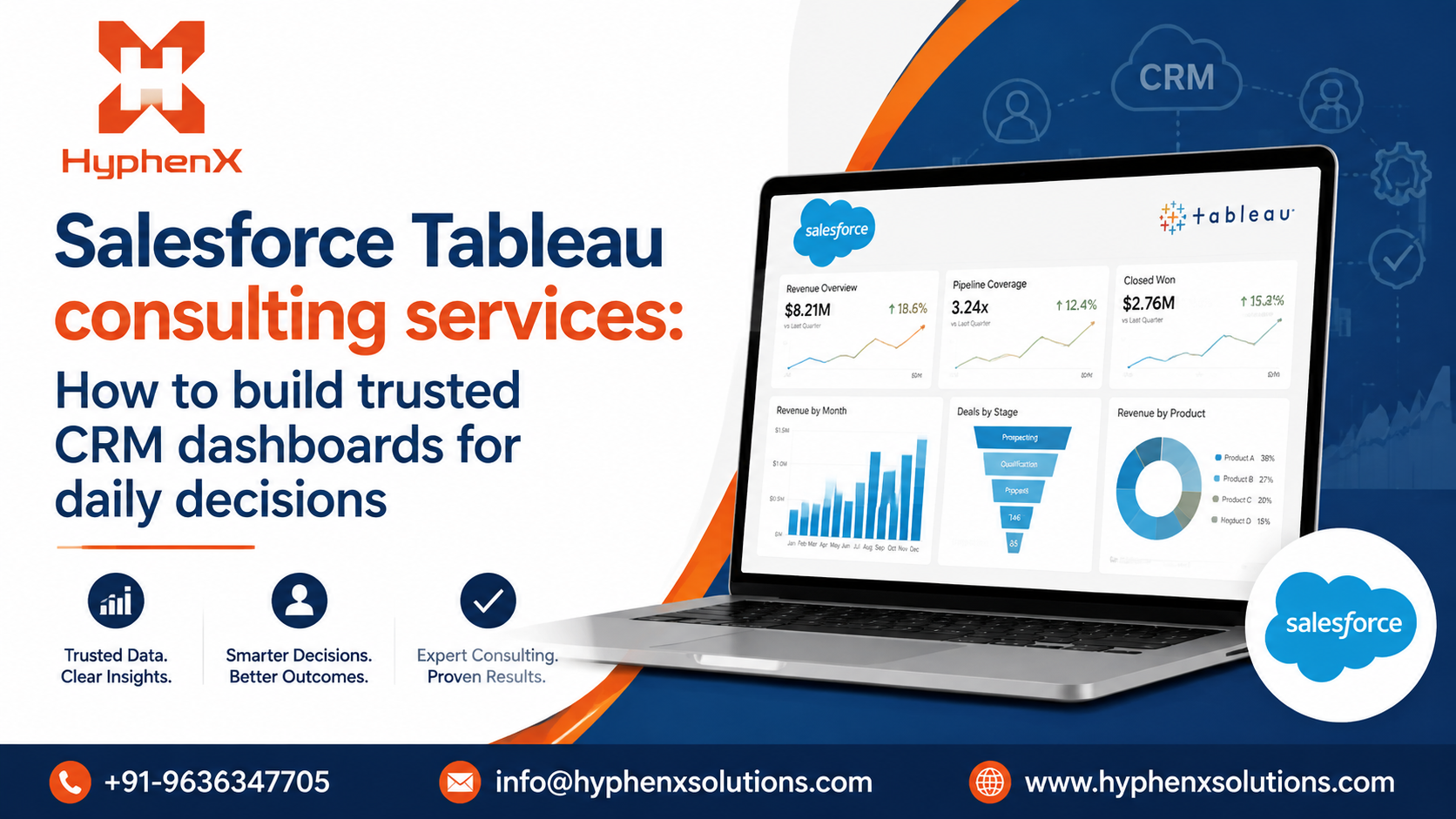
Salesforce Tableau consulting turns CRM records into usable reporting
Salesforce Tableau Consulting Services cover the planning and delivery work required to turn Salesforce records into Tableau reporting. The scope may include source assessment, object mapping, dashboard development, access rules, testing, training, and support. Each technical choice should connect to a business question.
The service becomes useful when standard Salesforce reports can’t handle the required depth or source mix. A sales leader may need pipeline data beside billing data, while a customer success leader may need account and renewal information in one view.
Trusted dashboards begin with agreed metric definitions
A dashboard can be technically correct and still create arguments. Pipeline coverage, win rate, churn, service backlog, and customer health often mean different things across departments. Consulting work should settle those definitions before calculated fields and visual components are built.
Each KPI needs a formula, source fields, filters, owner, and known limit. The team should also decide how blanks, reopened records, currency conversion, and late updates are handled. These rules let teams read the same number without rebuilding it privately.
Salesforce Tableau integration needs a planned data path
Salesforce Tableau Integration starts with the relationship between Salesforce objects and the questions the dashboard must answer. Salesforce objects rarely fit into a useful model without preparation. Object relationships, duplicates, field history, and ownership rules all affect the result.
The official Tableau Salesforce CRM connector documentation says OAuth has been required for sign-ins since Tableau Desktop 2020.4. It also states that Tableau Desktop, Tableau Server, and Tableau Cloud use extracts with the Salesforce CRM connector. Incremental refresh results are limited to records added or changed within the previous 30 days, so refresh timing and historical coverage must be planned before release.
A warehouse may be a better source when reporting combines several systems or needs longer history. Data freshness also needs a written rule. Users should never mistake an extract for live data.
Tableau and CRM Analytics serve different working patterns
Tableau often fits cross-system analysis and executive reporting across CRM, finance, marketing, support, and operational sources. CRM Analytics fits Salesforce-centred work where users need insight beside records and actions. The choice depends on where users work and what they must do after seeing the result.
Many businesses need Salesforce Tableau and CRM Analytics Services under one reporting plan. CRM Analytics can support embedded decisions, while Tableau can support wider business intelligence. Salesforce’s guidance on embedding and customising CRM Analytics confirms that dashboards can be placed across Salesforce experiences and can include actions tied to charts and tables.
Using both platforms requires clear ownership. A metric should have one approved definition even when it appears in 2 tools. The team should record which platform owns each use case and who approves changes.
Governance prevents self-service reporting from becoming report sprawl
Self-service analytics works when users can explore approved data without creating a new version of every metric. Tableau’s governance guidance describes governance as the controls, roles, and repeatable processes that create trust in data and content. In practice, that means certified sources, named owners, access reviews, and retirement plans.
Governance should match the risk of the data. Revenue forecasts and customer records may need different access controls. The project should test row-level access, exported data, subscriptions, embedded views, and administrator permissions before launch.
A sound consulting process moves from decisions to adoption
Discovery should identify users, spreadsheet workarounds, disputed metrics, and unanswered questions. The next stage reviews Salesforce objects, external systems, data quality, security requirements, and refresh needs. Weak fields and unclear metrics should be fixed or documented before development.
Architecture work defines the connection method, data model, platform responsibilities, and dashboard wireframes. User testing should begin with early working views. Final validation must compare dashboard results with source records and known examples.
Training should be organised by role. Users need to understand each metric and the action expected after a warning or trend. Adoption improves when the dashboard fits an existing decision cycle.
The right consulting partner should explain tradeoffs clearly
A credible partner should explain why a use case belongs in Tableau, CRM Analytics, or both. The partner should also show how data quality, security, refresh timing, and ownership will be tested. General promises about better insight aren’t enough without a delivery method.
When reviewing Salesforce consulting services, ask for the metric catalogue, source map, permission model, and testing plan. Check whether the team can work across Salesforce administration, data preparation, Tableau development, and business analysis. These skills help the reporting system remain useful after release.
Common mistakes weaken reporting after launch
The first mistake is rebuilding every old report without checking whether it supports a current decision. Another is allowing teams to define the same KPI independently. Projects also struggle when dashboards launch before users understand the source data or refresh schedule.
Ownership can’t end at publication. Someone must review data quality, approve calculation changes, monitor refresh failures, and retire unused content. Adoption should be measured through role-based use and reporting outcomes rather than login counts.
Build the reporting system around decisions
Salesforce Tableau consulting works best when the project begins with decisions, metric definitions, and data ownership. Tableau can then present Salesforce and external information in a form that fits each audience. The finished system should help users see what changed and decide what to do next.
A useful dashboard remains trusted after launch. That requires clear governance, tested access, documented calculations, and an owner for every critical data source. These foundations support daily management and future analytics work without sending teams back to disconnected spreadsheets
Frequently asked questions
What do Salesforce Tableau consulting services include?
They usually include discovery, data assessment, integration planning, dashboard development, security setup, testing, training, and support. The scope should follow the business questions and data sources involved. A good engagement also documents KPI rules and ownership.
Can Tableau connect directly to Salesforce?
Yes, Tableau provides a Salesforce CRM connector. The connector uses extracts, so teams must plan refresh schedules, data volume, API use, and history. Larger reporting needs may require a prepared data platform or warehouse.
Should a company use Tableau or CRM Analytics?
Tableau often suits wider business reporting across several systems, while CRM Analytics suits insight embedded inside Salesforce work. Some companies need both. The decision should follow user location, data sources, security needs, and required actions.
How long does a Salesforce Tableau project take?
The schedule depends on dashboard count, data quality, integration needs, security, and the number of user groups. A focused use case can move faster than a wider reporting programme. A reliable estimate should come after discovery and a data audit.
How should success be measured?
Success should be linked to a defined reporting problem. Useful measures include less report preparation, fewer KPI disputes, faster access to current information, and regular role-based use. The team should capture a baseline before development begins.
.For more info Contact us +91-9636347705or send mail at [email protected] to get a quote
Comments
Log in or sign up to join the conversation.