

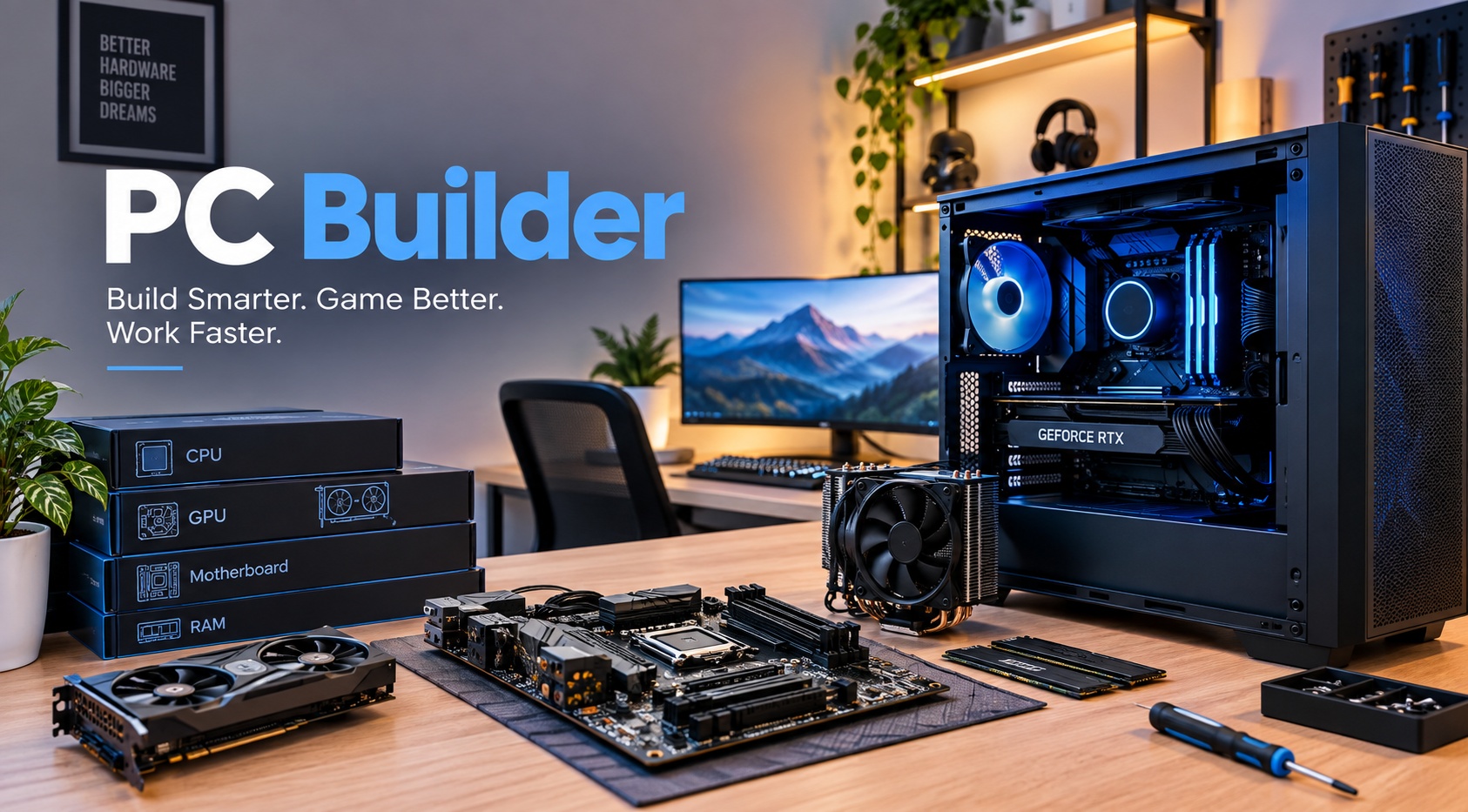
Video calls have become part of everyday communication for many people. They are used for remote work, online classes, interviews, customer meetings, consultations, family conversations, and team discussions.
A good video-call setup involves more than simply having a computer. Your camera, microphone, speakers, display, workspace, and internet connection can all affect the experience.
A PC Builder can help you plan a computer setup around the way you communicate online. A Custom PC can also be configured to support video calls alongside your other everyday activities.
Understand Your Video Call Needs
Start by thinking about how you use video calls.
You may attend work meetings, online classes, interviews, client discussions, or regular personal calls. Some people may only make occasional calls, while others may spend several hours a day in meetings.
Understanding your routine helps you plan the right setup.
Consider the Applications You Use
Different people use different communication platforms.
You may use video meeting software, messaging applications, email, or other online services during your work or studies.
Make a list of the applications you use regularly and discuss them with your PC Builder.
Choose a Suitable Webcam
Your webcam is an important part of a video-call setup.
Consider where you will place it and how you want to appear on screen. A camera that is positioned at a comfortable height can make your setup feel more natural.
If you already have a webcam, check whether it works with the computer you plan to use.
Think About Your Microphone
Clear communication is just as important as the video.
You may use a built-in microphone, headset, or separate microphone depending on your requirements.
Tell your PC Builder about your preferred equipment so your complete setup can be considered.
Consider Headphones or Speakers
Audio equipment can affect your online meetings.
Headphones may be useful when you need privacy, while speakers may be more convenient for certain home environments.
Choose the option that suits your workspace and daily communication habits.
Plan Your Monitor Setup
Video calls may involve more than just looking at the person on screen.
You might need to view documents, presentations, notes, or other information during the same meeting.
A suitable monitor can make it easier to manage these activities without constantly switching between windows.
Think About Your Workspace
The area around your computer can affect your video-call experience.
Consider your lighting, background, desk position, camera placement, and chair. A clean and organized workspace can make online meetings more comfortable.
Your PC Builder can also help you plan the computer around the available desk space.
Consider Multitasking During Calls
Some people need to work while attending meetings.
You may take notes, view documents, check schedules, or communicate with other team members during a call.
If multitasking is part of your routine, mention it when discussing your requirements with a PC Builder.
Think About Online Classes
Students may use the same computer for both classes and personal activities.
Online lessons can involve video calls, digital textbooks, assignments, presentations, and research.
A Custom PC can be planned to support these activities together instead of focusing only on video meetings.
Consider Remote Work
Remote workers often depend on video communication throughout the day.
Meetings, interviews, customer calls, presentations, and team discussions can all take place online.
Your computer should fit naturally into this work routine.
Plan for Future Communication Needs
Your use of video calls may increase over time.
You may begin working remotely, start attending online courses, communicate with more clients, or participate in additional meetings.
A PC Builder can help you consider these future needs when planning your system.
Keep Your Internet Connection in Mind
A computer alone does not determine the quality of an online call.
Your internet connection also plays an important role. Make sure your connection is suitable for the type of online communication you regularly use.
Check your internet service separately when preparing your complete video-call setup.
Consider Future Upgrades
Your communication setup may change as your needs develop.
You might add a better webcam, microphone, monitor, storage, or other suitable equipment later.
A Custom PC can provide flexibility when future improvements are considered during the planning stage.
Choose a PC Builder Who Understands Your Setup
Video-call requirements vary from person to person.
A student, remote employee, business owner, teacher, and content creator may all use online communication differently.
Explain your applications, accessories, workspace, and daily routine to your PC Builder before choosing your system.
Conclusion
A reliable video-call setup should support clear communication while fitting comfortably into your everyday workspace. The computer, webcam, microphone, audio equipment, monitor, and internet connection all have a role to play.
Working with a PC Builder allows you to plan a system around your online communication needs. A Custom PC can also provide flexibility when your work, study, or personal requirements change.
Fusion Gaming helps users create professionally assembled computer systems based on their individual requirements, with thorough testing and dependable lifetime technical support.
Comments
Log in or sign up to join the conversation.