

The OWASP ZAP scanner is not one feature, it is a set of distinct tools (proxy, passive scanner, active scanner, spider, fuzzer and API) that fit different jobs. Choosing the right feature for the task at hand matters more than knowing the tool exists at all and this guide breaks down which ZAP capability to reach for depending on whether you're doing a quick check, a formal assessment, ongoing automation, or targeted vulnerability hunting.
Most introductions to the OWASP ZAP scanner describe it as a single thing: a free web vulnerability scanner. That is accurate but not especially useful once you are deciding how to actually use it, because ZAP bundles several genuinely different capabilities under one interface and picking the wrong one for a given situation wastes time or misses what you were looking for. This guide works feature by feature, matched to the use case each one actually serves.
The Core Components, at a Glance
Component | What it does | Best suited for |
Intercepting proxy | Captures and lets you edit traffic between client and server | Manual testing, understanding app behavior |
Passive scanner | Analyzes traffic without sending attack payloads | Quick, safe checks; continuous background analysis |
Active scanner | Sends crafted payloads to probe for flaws | Formal vulnerability scanning where attack traffic is acceptable |
Spider | Crawls the application to map pages and inputs | Building a complete picture before deeper testing |
Fuzzer | Sends a defined payload set to a specific parameter | Targeted testing of one input, like a login field |
REST API / Automation Framework | Scripts and automates any of the above | CI/CD pipelines, repeatable scans |
The rest of this guide expands on when each of these earns its place over the others.
Use Case: I Just Want a Quick Read on This Application
For a fast, low risk check early in development, or when you are not sure a target can tolerate active attack traffic the passive scanner alone is the right tool. Simply browsing the application through ZAP's proxy, or running a baseline scan, triggers passive analysis without a single attack payload leaving your machine. It catches missing security headers, insecure cookie flags, verbose error disclosures and outdated library fingerprints, all from traffic that looks identical to a normal user browsing the site.
This is the appropriate first move for anyone new to the OWASP Zed Attack Proxy who wants a signal before committing to a longer, more intrusive scan. It tells you immediately whether an application has obvious lowhanging issues before you invest time in anything deeper.
Use Case: I Need a Formal Vulnerability Assessment
This is where the active scanner belongs, sending crafted requests designed to trigger observable evidence of flaws like injection, crosssite scripting and path traversal. Active scanning requires explicit authorization, since it generates real attack traffic against the target and it should run against a staging environment or a target you're specifically permitted to test rather than production by default.
Pair the active scan with the spider first, since active scanning only tests parameters the spider has already discovered running it without a prior crawl means testing a fraction of the actual application surface. Once findings come back, crossreference them against the OWASP Top 10 to communicate results in a framework stakeholders and auditors already recognize, rather than a flat list of toolspecific alert names.
Use Case: I Need to Test One Specific Input, Not the Whole App
The Fuzzer is the right instrument when you already know exactly which parameter matters and want to hammer it with a specific payload set testing a login field against a list of common credentials, probing a search box with a curated SQL injection payload list, or checking how a file upload handles unexpected extensions. Unlike the active scanner, which tests broadly across everything the spider found, the Fuzzer is deliberately narrow: you choose the target field and the payload list yourself.
This makes it the tool of choice for confirming a hypothesis rather than generating one. If a code review or an active scan alert points to a specific parameter as suspicious, the Fuzzer lets you throw a much larger and more targeted payload set at that one field than a general active scan would, often surfacing edge cases the broader scan's default policy missed.
Use Case: I Need Continuous Testing, Not a OneTime Scan
Once testing needs to run repeatedly on every code change, or on a schedule the manual, clickdriven interface stops being the right fit and ZAP's REST API and Automation Framework take over. Both let you script the exact sequence a manual tester would perform by hand: authenticate, spider, scan, filter results, report but triggered automatically rather than by a person opening the desktop app.
This is the natural extension of web application security testing into a continuous practice rather than a periodic event and it is the mode most production security programs eventually adopt once ad hoc scanning proves too inconsistent to trust for ongoing coverage.
Use Case: I Need to Understand Exactly How the Application Behaves
Sometimes the goal is not scanning at all, it is observation. The intercepting proxy, used manually without any scanner running, lets you watch every request and response pass between your browser and the application and edit them before they're sent. This is how testers investigate business logic: replaying a checkout request with a modified price parameter, editing a role field in a request to see if the server actually validates it serverside, or stepping through a multistage workflow one manipulated request at a time.
No automated feature replicates this well, because it requires a human deciding what to change and why based on understanding what the application is supposed to do exactly the kind of judgment call that also matters when testing for broken access control, where an endpoint returning data successfully does not tell you whether the requester should have been allowed to see it.
Where the Tool Alone Is not Enough
Every feature described above operates from the outside, exercising the application through HTTP traffic. That's genuinely powerful, but it has a hard boundary: nothing in ZAP reads source code. Vulnerabilities that only exist in logic never triggered by the scan's crawl path, hardcoded secrets, or flaws in code paths gated behind conditions the scanner never hits all sit outside what any combination of these features can find. Closing that gap means pairing ZAP's dynamic testing with actual code inspection. Our secure code review guide is the natural next read for anyone whose testing has been dynamic only so far.
This distinction is worth internalizing early, because it changes how confidently you can interpret a clean ZAP report. A dynamic tool can only report on code paths it actually exercised during the scan, a conditional branch the spider never triggered, an admin only feature the crawl never reached, or a vulnerability that only appears with a specific combination of inputs simply won't appear in the results, clean or otherwise. That is not a flaw in ZAP's design; it is an inherent limit of testing from the outside rather than reading the implementation directly. Our source code review labs are useful specifically for building the instinct to notice this gap: working through a codebase where the vulnerability was never going to surface through the crawl path a scanner would naturally take teaches you to stop treating a clean dynamic scan as a clean bill of health.
How This Compares to Other Approaches to Penetration Testing
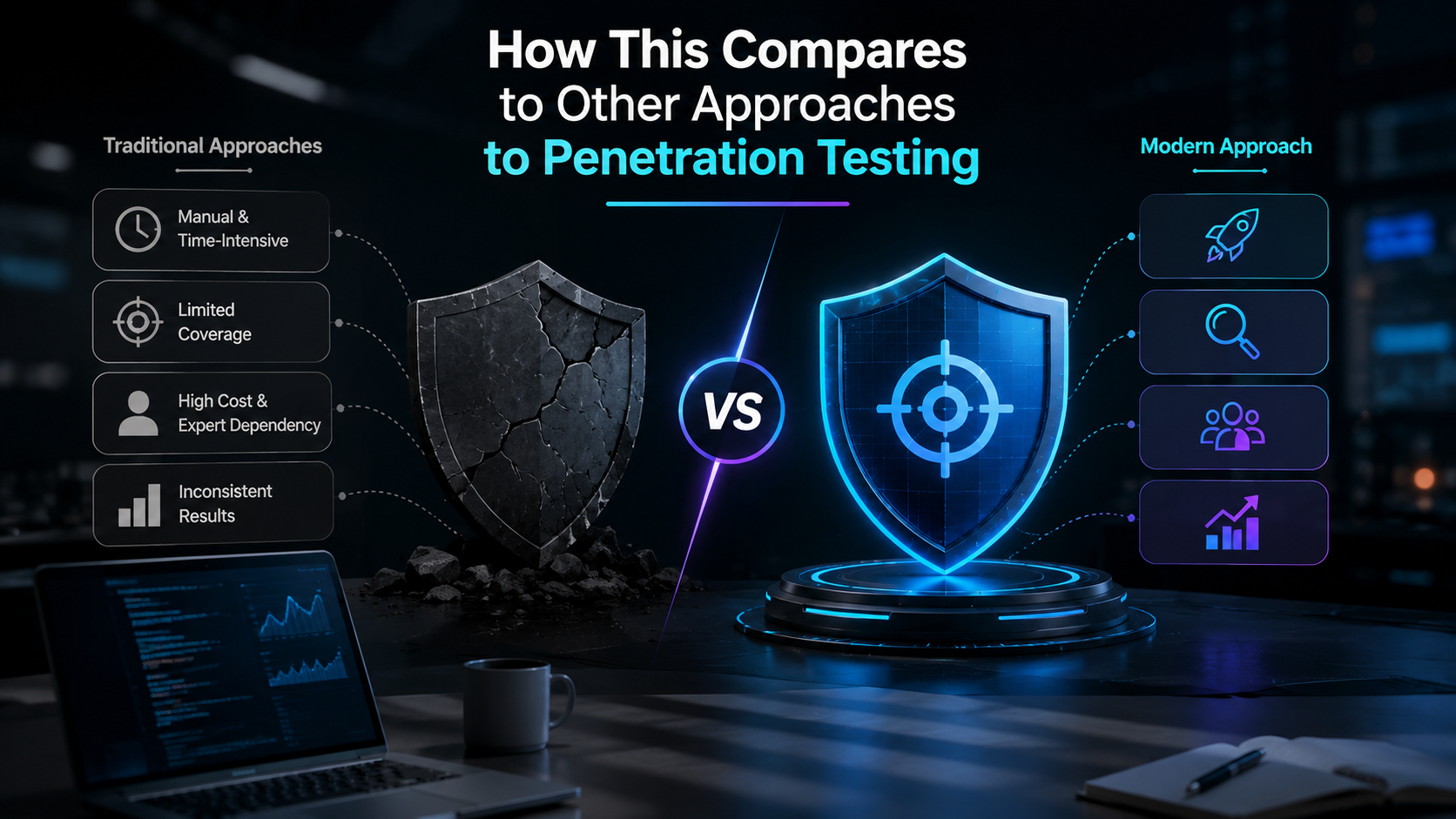
It is worth situating ZAP feature set against the other tooling categories that show up in the same conversations. Static analysis tools read source code directly and catch patterns dynamic scanning structurally can't, at the cost of higher false positive rates and no visibility into runtime behavior. Dependency scanners check third party libraries against known vulnerability databases, which is a different problem entirely from testing an application's own code. Commercial DAST platforms often wrap similar active scanning concepts behind more polished reporting and paid support, but the underlying testing logic crawl, probe, analyze response isn't fundamentally different from what ZAP does for free.
Understanding this landscape matters because teams sometimes reach for ZAP expecting it to replace tooling categories it was never designed to cover, then conclude the tool missed something it was structurally never going to catch. Setting expectations around what a penetration testing tool in the DAST category can and can not do rather than treating any single tool as a complete security program avoids that disappointment and points toward the actual gaps that need a different kind of tool or a manual tester to close.
Matching the Right Feature to the Right Vulnerability Class
A practical way to think about ZAP's feature set is to match it against what you're actually hunting for:
SQL injection: Active scanner for broad discovery, Fuzzer for confirming and characterizing a specific finding.
Crosssite scripting: Active scanner catches most reflected cases well; stored and DOMbased variants often need the proxy for manual verification.
Missing or weak headers: Passive scanner alone no active traffic required.
Session and cookie issues: Passive scanner flags missing flags automatically; the proxy lets you manually confirm session fixation and timeout behavior.
Broken access control: None of ZAP's automated features solve this alone; the proxy, used manually to replay requests across privilege levels, is the closest fit.
Practicing With Every Feature, Not Just the Default Scan
Most beginners only ever touch the Quick Start Attack button, which runs the spider and active scanner together and skips the rest of ZAP's feature set entirely. Deliberately practicing the Fuzzer, the manual proxy and authenticated scanning against a safe target closes that gap. Our Web Security CTF labs and full challenges index provide applications built specifically for that kind of feature by feature practice, including scenarios where the vulnerability is intentionally something an out of the box scan won not catch, forcing the use of the Fuzzer or manual proxy work instead.
For anyone specifically building comfort with injection class findings across ZAP's different features, our SQL injection labs let you compare what the active scanner catches automatically against what only the Fuzzer surfaces with a more targeted payload set, which is a useful way to internalize the difference between the two rather than reading about it abstractly.
Conclusion
The OWASP ZAP scanner rewards understanding it as a toolbox rather than a single button. Passive scanning for a fast, safe read; active scanning for formal assessments; the Fuzzer for targeted confirmation; the proxy for manual, judgment driven testing; and the API for anything that needs to run continuously. Matching the right component to the situation in front of you is what separates a superficial scan from testing that actually reflects the risk an application carries. Put each feature into practice against real, purpose built targets at AppSecMaster to build that judgment firsthand.
Frequently Asked Question (FAQs)
What is the main difference between ZAP's passive and active scanner?
The passive scanner only analyzes traffic that already exists, without sending anything new it's safe to run against almost any target. The active scanner sends crafted attack payloads to probe for flaws, which requires explicit authorization since it generates real attack traffic.
When should I use the Fuzzer instead of the active scanner?
Use the Fuzzer when you already know which specific parameter matters and want to test it with a custom or larger payload set than a general scan applies. Use the active scanner when you want broad coverage across everything the spider discovered.
Can the OWASP ZAP scanner find business logic vulnerabilities?
Not automatically. Business logic flaws require understanding what an application is supposed to do, which is a judgment call. The intercepting proxy supports this kind of manual testing, but no automated ZAP feature performs it unassisted.
Is OWASP ZAP the same as OWASP Zed Attack Proxy?
Yes ZAP is the abbreviation for Zed Attack Proxy. Both names refer to the same free, open source security testing tool maintained under the OWASP umbrella.
Do I need the API or Automation Framework if I only scan occasionally?
No. Manual use through the desktop application is perfectly suited to occasional or one off testing. The API and Automation Framework earn their complexity once scanning needs to run repeatedly without manual triggering.
Comments
Log in or sign up to join the conversation.