
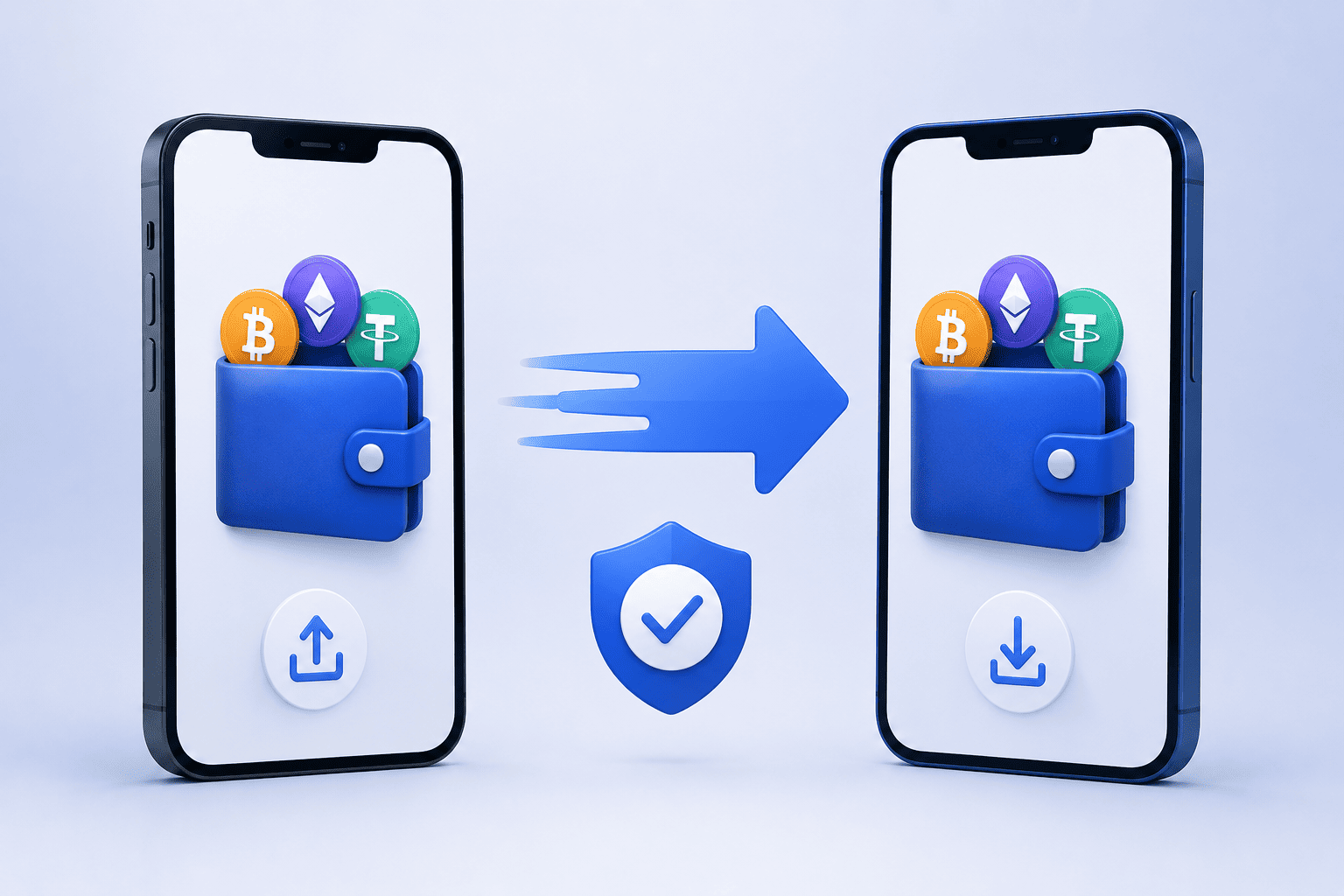
Changing your phone does not necessarily mean losing access to your cryptocurrency wallet. If you are moving from an old phone to a new one, the process can usually be completed by restoring your wallet using the correct recovery method.
However, moving a crypto wallet requires more care than transferring normal mobile apps. Your wallet may give you access to digital assets, and losing the recovery information can make those assets difficult or impossible to recover.
The exact process depends on the wallet and whether it is a self-custodial crypto wallet or managed by a service. Before starting, understand how your particular wallet handles backup and recovery.
What You Need Before Moving Your Wallet
Before removing your wallet from your old phone, make sure you have everything needed to access it on the new device.
For a self-custody wallet, this may include your recovery phrase, private key or another supported recovery method.
For a custodial wallet, you may simply need your account login details and access to your registered email address or authentication method.
You should also make sure that your new phone is secure and that you have installed the wallet application from an official source.
Never share your recovery phrase or private keys with another person. Anyone who has access to this information may be able to control the associated assets.
Step 1: Check Your Current Wallet Backup
Before changing phones, open your existing wallet and check whether it has a backup or recovery option.
If your crypto wallet uses a recovery phrase, make sure you know where it is stored.
Do not assume that the wallet will automatically transfer when you move other apps from your old phone to your new one. Some wallet applications require you to restore the wallet manually.
It is also a good idea to check your current wallet balance and transaction history before beginning the move.
Step 2: Secure Your Recovery Information
Your recovery phrase is one of the most important pieces of information associated with a self-custody wallet.
If your wallet provides a recovery phrase, keep it somewhere secure and offline where possible.
Avoid:
Sending it through messaging apps.
Saving it in an email.
Taking a screenshot.
Uploading it to public cloud storage.
Sharing it with someone claiming to be customer support.
A genuine wallet provider should not need your recovery phrase to provide ordinary support.
Step 3: Install the Wallet on Your New Phone
Download the wallet application on your new device.
Use the official website or your phone's legitimate app store to find the correct application. Be careful with applications that use similar names or logos.
Fake wallet applications can be designed to steal recovery phrases and private keys.
Before entering any sensitive information, check that you are using the correct wallet application.
Step 4: Choose the Restore or Import Option
Open the wallet application on your new phone and look for an option such as Restore Wallet, Import Wallet or Recover Existing Wallet.
The wording can vary between providers.
If you have a recovery phrase, you may be asked to enter the words in the correct order.
Double-check every word before continuing. Entering an incorrect phrase can result in restoring a different wallet or receiving an error.
Never enter your recovery phrase into a website or application that you do not trust.
Step 5: Set Up Security on the New Phone
After restoring the wallet, create a strong password or PIN if the application provides that option.
Enable available security features such as biometric authentication and two-factor authentication where appropriate.
Remember that biometric security usually protects access to the application on your device. It does not replace your recovery phrase or private keys.
Keep your recovery information stored securely even after the wallet has been successfully restored.
Step 6: Check Your Assets and Addresses
Once the wallet has been restored, check that your expected balances and supported assets appear.
You should also verify that the wallet addresses match the ones you used previously.
If everything looks correct, avoid immediately deleting the wallet application from your old phone.
Keep the old device available temporarily while you confirm that the new installation works properly.
Step 7: Test With a Small Transaction
If you plan to send cryptocurrency from the restored wallet, consider making a small test transaction first.
This can help you confirm that the wallet is functioning correctly and that you understand the relevant blockchain network.
Always check the recipient address, cryptocurrency and blockchain network before confirming a transaction.
For example, some cryptocurrencies can operate across multiple networks. Sending an asset through an unsupported network can cause problems.
What If You No Longer Have Your Old Phone?
You may still be able to restore your wallet if you have the correct recovery information.
For a self-custody wallet, the recovery phrase is often the key to restoring access on another compatible device.
If you do not have your recovery phrase or other required recovery credentials, the situation can be more difficult.
Do not trust anyone who claims they can recover your wallet if you simply provide your private information.
For custodial wallets, you may be able to recover access through the provider's official account recovery process.
You might like to read this - How to Recover Your Self-Custody Wallet After Losing Your Phone
What Happens to Your Crypto During the Move?
Your cryptocurrency is generally not stored physically inside your phone.
The blockchain records the assets associated with your wallet address. The wallet application provides the tools needed to access and manage those assets.
This is why restoring the same wallet on another device can show the same balances.
The important part is protecting the credentials that control access to the wallet.
When Should You Remove the Wallet From Your Old Phone?
Do not remove the wallet from your old phone immediately.
First, confirm that:
The wallet is successfully restored.
Your expected balances are visible.
Your wallet addresses are correct.
You can access your account securely.
You have securely stored your recovery information.
You can successfully complete a small transaction if needed.
Once you are confident that everything works, you can remove the wallet application from the old phone.
If you are giving the old phone to someone else, perform a proper factory reset after removing your personal accounts and data.
Common Mistakes to Avoid
The most serious mistake is losing or exposing your recovery phrase.
Another common mistake is downloading a fake wallet application or entering recovery information into a phishing website.
Users should also avoid rushing transactions immediately after restoring a wallet.
Take time to check the correct network, wallet address and transaction details before sending cryptocurrency.
Final Thoughts
Moving a crypto wallet from one phone to another can be straightforward if you prepare properly.
Back up your wallet securely, install the official application on your new phone, restore the wallet using the correct method and carefully check your assets before removing the old installation.
The most important rule is simple: protect your recovery phrase and private keys at all times.
Your phone can be replaced, lost or damaged, but secure recovery information can allow you to regain access to a self-custody wallet on another compatible device.
Comments
Log in or sign up to join the conversation.