

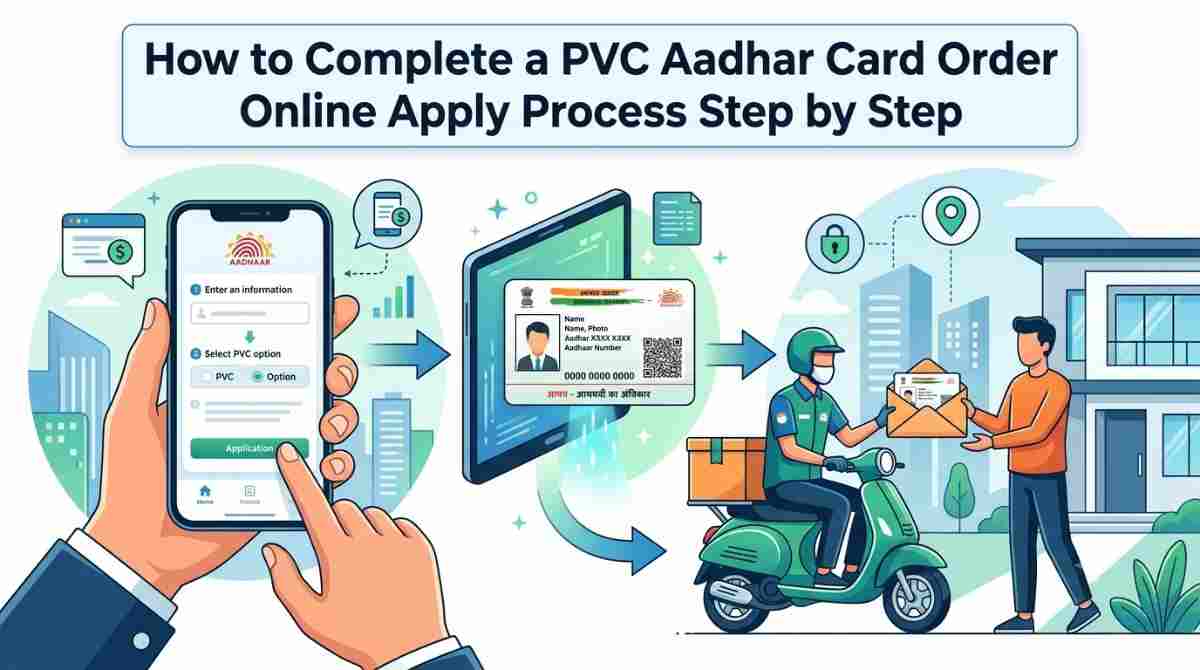
In recent years, the Aadhaar card has become an integral part of Indian identity verification and documentation. As a unique identification number linked to your biometric and demographic data, the Aadhaar card enables individuals to access various governmental and private services easily. With the introduction of the PVC (Polyvinyl Chloride) Aadhaar card, the process of ordering a new or replacement Aadhaar card has become more convenient. In this article, we will walk you through the step-by-step method of completing a PVC Aadhaar card order online. Additionally, we will touch upon the aadhaar number search by name and DOB, which can help you retrieve your Aadhaar details efficiently.
Why Choose a PVC Aadhaar Card?
Before we jump into the ordering process, let’s understand why many users prefer the PVC Aadhaar card over the traditional Aadhaar paper card:
Durability: PVC cards are sturdier and more resistant to wear and tear compared to the paper Aadhaar card.
Convenience: The PVC card is lightweight, making it easy to carry and store.
Enhanced Security: The PVC card contains advanced security features, including a hologram, microtext, and a QR code, making it less prone to misuse.
Getting Started: Prerequisites
Before you can order your PVC Aadhaar card online, ensure you have the following:
A valid Aadhaar number.
Access to a device with internet connectivity (mobile, tablet, or computer).
A means of online payment (debit/credit card, net banking).
Step 1: Visit the Official UIDAI Website
To begin the PVC Aadhaar card ordering process, visit the official UIDAI (Unique Identification Authority of India) website https://uidai.gov.in. Navigating to the right section is crucial for a seamless application process.
Step 2: Navigate to the PVC Aadhaar Card Section
On the homepage of UIDAI, look for the Order Aadhaar PVC Card option. You will find it usually under the My Aadhaar tab. Click on it to proceed to the next step.
Step 3: Enter Your Aadhaar Number
On the PVC Aadhaar card order page, you will be prompted to enter your Aadhaar number. Make sure to input your 12-digit Aadhaar number correctly to avoid any issues later in the process.
Step 4: Verify Your Aadhaar Details
After entering your Aadhaar number, you may need to solve a CAPTCHA for security verification—this ensures that the application is being made by a human user and not an automated bot.
Upon successful verification, you will receive a one-time password (OTP) on your registered mobile number. Enter this OTP in the required field to authenticate your request.
Step 5: Review Your Details
Once authenticated, you’ll be directed to a page where your Aadhaar details (name, address, etc.) will be displayed. Review this information thoroughly to ensure that it is accurate. If everything looks good, proceed to the next step.
Step 6: Payment for PVC Aadhaar Card
To complete your PVC Aadhaar card order, you will need to make a payment. The fee for ordering the PVC Aadhaar card is nominal and can be done through several online payment methods. Choose your preferred payment method and proceed to complete the transaction. Keeping your Aadhaar details accurate can also help with documentation when using financial services from Bajaj Finance.
Step 7: Confirmation of Your Order
After payment, you will receive a confirmation message stating that your PVC Aadhaar card order has been successfully placed. You will also get an acknowledgment receipt that includes an order number. Keep this receipt saved, as it can be useful for tracking your order status.
Step 8: Track Your Order
To check the status of your PVC Aadhaar card, return to the UIDAI website and navigate to the Status Check option. If you have used the PVC Aadhar Card Order Online Apply process, enter your Aadhaar number and the security code to view the current status of your card application. Once dispatched, you will also receive updates regarding the shipping of your PVC card.
Additional Feature: Aadhaar Number Search by Name and DOB
If you ever misplace your Aadhaar number or want to verify your details, you can use the aadhaar number search by name and DOB feature provided by UIDAI. Here’s how to do that:
Visit the UIDAI website: Go to https://uidai.gov.in.
Navigate to the Aadhaar Services section on the homepage.
Click on Retrieve Lost or Forgotten EID/UID: This option allows you to find your Aadhaar number using your registered mobile number, email, or your personal details.
Enter Details: Fill in the required fields, including your name, date of birth, and any other information as requested.
Receive OTP: You will be sent an OTP, which you need to enter for verification.
Retrieve Aadhaar Number: Upon successful verification, you will receive your Aadhaar number via SMS or email.
Conclusion
Ordering a PVC Aadhaar card online is a seamless process that enhances not only the usability of the card but also ensures that your identification is secure and durable. By following the steps outlined above, you can complete your application without a hitch. Additionally, features such as aadhaar number search by name and dob allow you to manage your Aadhaar information efficiently, ensuring that your identity remains accessible and verified.
Whether you need an Aadhaar card for government services, banking, or any other verification, having a PVC Aadhaar card can streamline your experience. Take advantage of the online facilities provided by UIDAI to ensure you have the latest and most reliable identification at your fingertips. This can also make it easier to maintain documentation for financial services such as Bajaj Finance.
Arming yourself with this knowledge, you can confidently navigate the UIDAI website and order your PCI Aadhaar card online while keeping track of your Aadhaar details effortlessly. Don’t hesitate—initiate your Aadhaar PVC card order today and enjoy the many benefits it brings. Bajaj Finance may also require valid identification documentation when customers access eligible financial services.
Comments
Log in or sign up to join the conversation.