

Ecommerce businesses have more customer data than ever. Every product search, abandoned cart, purchase, support request, return, and follow-up creates another piece of information that can potentially help the business understand its customers better. The challenge isn't really collecting that data anymore. It's making sense of it and using it at the right time.
That's where an ecommerce CRM becomes valuable.
A well-built ecommerce CRM brings customer information, sales activity, order history, communication, and marketing workflows into one place. Instead of switching between spreadsheets, email platforms, store dashboards, and customer support tools, teams can work from a centralized system.
For businesses considering this investment, an ecommerce CRM development guide can help clarify what needs to be built, which features actually matter, and where development costs can increase. The goal shouldn't be to create another dashboard that employees rarely use. It should be to build a system that makes customer management and sales operations easier.
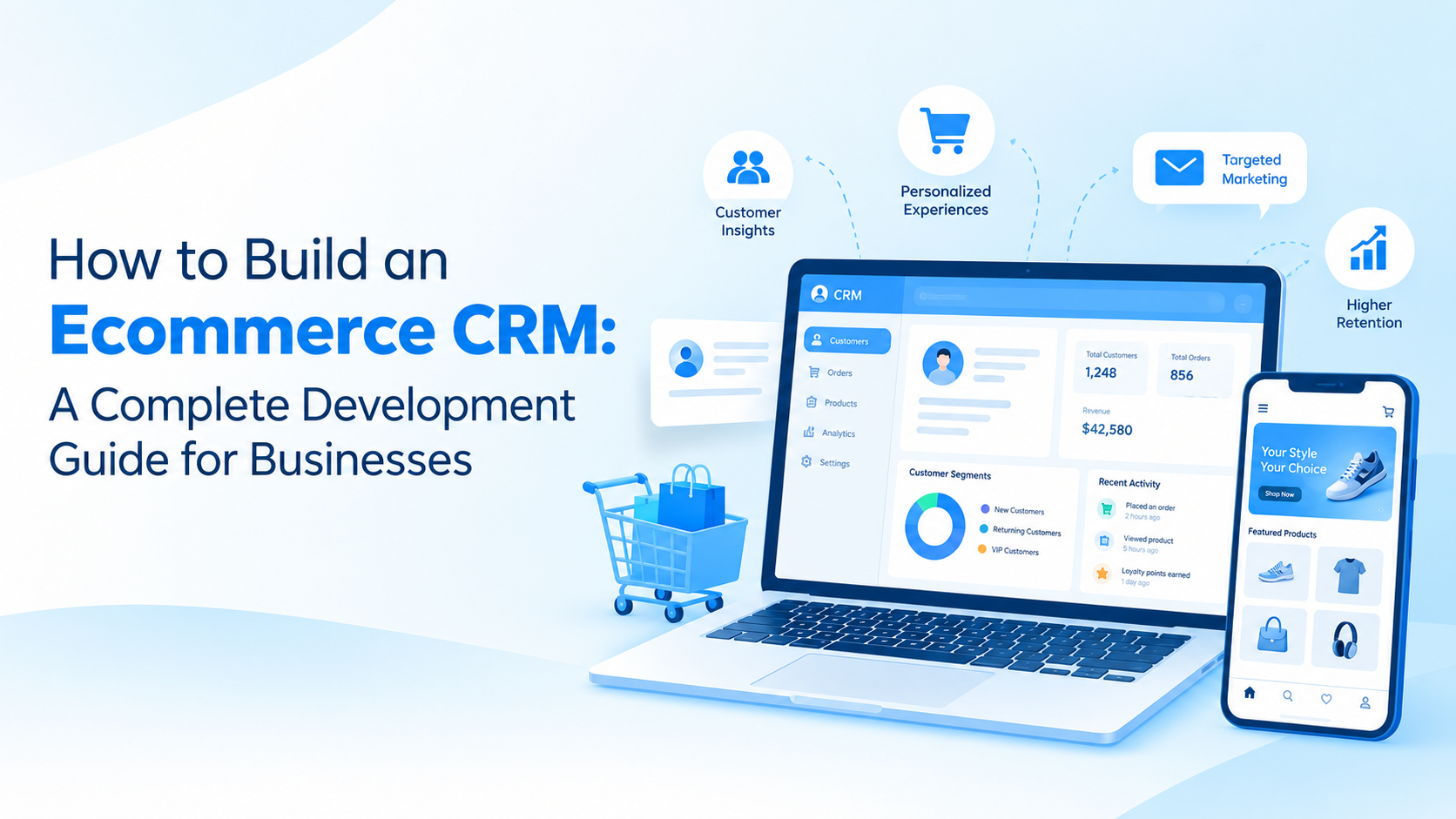
What an Ecommerce CRM Actually Does for a Business
Traditional CRM systems are generally designed around leads, contacts, sales pipelines, and relationship management. Ecommerce businesses have a slightly different set of requirements because their customer relationships are closely connected to purchases, products, orders, promotions, and repeat buying behavior.
An ecommerce CRM connects those pieces.
When customer and transaction data sit together, businesses can understand not just who a customer is, but how that customer interacts with the brand over time. That makes the CRM useful across sales, marketing, customer service, and management teams.
A properly planned system can help businesses:
Maintain unified customer profiles
Track complete purchase histories
Monitor customer interactions
Automate email and SMS campaigns
Segment customers based on behavior
Recover abandoned carts
Track leads and sales opportunities
Manage support requests
Analyze customer lifetime value
Improve retention and repeat purchases
The exact feature set depends on the business model, ecommerce platform, customer base, and internal workflows.
Key Features to Include in an Ecommerce CRM
The strongest CRM products aren't necessarily the ones with the longest feature lists. They are the ones that solve the most important operational problems without making everyday work unnecessarily complicated.
Unified Customer Profiles
Customer information should be available from a single profile rather than scattered across different systems.
A profile can include contact information, previous orders, product preferences, communication history, support interactions, returns, and other relevant activity. This gives sales and support teams enough context to have more useful conversations with customers.
Order and Purchase Tracking
An ecommerce CRM should connect customer profiles with order data. Teams should be able to see what customers purchased, when they purchased it, order values, returns, cancellations, and other relevant transaction information.
This becomes particularly useful when businesses want to identify repeat customers or understand purchasing patterns.
Customer Segmentation
Not every customer should receive the same message.
The CRM can divide customers into groups based on factors such as purchase frequency, spending, location, product interests, engagement, or inactivity. Businesses can then create campaigns that are more relevant to each segment instead of sending the same promotion to everyone.
Marketing Automation
Automation can remove a considerable amount of repetitive work.
Businesses can create workflows for welcome emails, abandoned-cart reminders, post-purchase messages, product recommendations, renewal reminders, and re-engagement campaigns. The system can trigger these communications based on customer actions rather than requiring employees to manage every interaction manually.
Sales and Lead Management
An ecommerce CRM can also support customers who haven't purchased yet.
Leads generated through website forms, social campaigns, marketplaces, or other channels can be captured and assigned to sales teams. Managers can then track where each lead is in the buying journey and identify opportunities that require follow-up.
Customer Support Integration
Purchase-related questions and support issues are often connected. A customer may contact support about an order, delivery, return, or product they previously purchased.
Connecting support activity with customer and order data gives service teams the context they need without asking customers to repeat information they've already provided.
How the Ecommerce CRM Development Process Works
Building the platform usually starts with business requirements rather than technology choices.
The first step is identifying where the existing customer management process breaks down. For some businesses, the biggest issue is scattered customer data. For others, it may be poor follow-up, limited segmentation, or a lack of automation.
Once those priorities are clear, the development process can move through several stages.
1. Define Business Requirements
Start by identifying users, workflows, integrations, and the problems the CRM needs to solve.
This may include sales teams, marketing managers, customer support representatives, administrators, and business owners.
2. Plan the CRM Architecture
The development team then determines how customer, product, order, communication, and analytics data will interact.
Scalability matters here. A CRM that works for 10,000 customers may struggle if the business later manages millions of records.
3. Design the User Experience
The interface should make common tasks easy to complete. Employees shouldn't need extensive training just to find a customer profile or check an order history.
Dashboards, search, filters, notifications, and role-based views should be designed around actual business workflows.
4. Develop and Integrate
This is where the core CRM functionality is implemented. Depending on the business, integrations may include ecommerce platforms, payment systems, email and SMS providers, customer support tools, analytics platforms, and logistics systems.
A professional crm software development approach also considers APIs, security, permissions, data synchronization, and future integrations from the beginning.
5. Test and Launch
Before launch, the system should be tested for functionality, security, performance, integrations, and usability.
Testing is particularly important for ecommerce CRMs because inaccurate customer or order data can quickly affect marketing campaigns, customer service, and business decisions.
How Much Does Ecommerce CRM Development Cost?
The cost depends heavily on what the business wants to build.
A relatively simple CRM with customer profiles, order tracking, basic dashboards, and a few integrations may cost around $30,000–$60,000.
A more advanced platform with marketing automation, customer segmentation, analytics, multiple integrations, role-based access, and customized workflows can move into the $60,000–$150,000+ range.
Enterprise-level systems with complex integrations, advanced analytics, AI capabilities, high-volume data processing, and extensive customization can cost considerably more.
The main factors affecting the budget include:
Number and complexity of features
Web or mobile platform requirements
Third-party integrations
UI/UX complexity
Data migration requirements
Security and compliance needs
AI and automation capabilities
Development team location and expertise
Maintenance and ongoing support
It's generally better to prioritize the features that directly affect revenue or operational efficiency rather than trying to build everything in the first release.
Why Choosing the Right Development Partner Matters
An ecommerce CRM touches almost every part of a digital commerce operation, so development isn't simply about building screens and connecting a database.
The development partner needs to understand ecommerce workflows, customer data, integrations, automation, scalability, and the practical needs of the teams who will use the system every day.
Companies such as Techugo can help businesses approach CRM development around their specific operational requirements rather than forcing those requirements into a generic product structure.
The right approach also leaves room for future improvements. As the business grows, the CRM may need additional integrations, predictive analytics, AI-powered recommendations, advanced reporting, or new automation workflows.
Final Thoughts
Building an ecommerce CRM is ultimately about giving a business a clearer picture of its customers and a more efficient way to act on that information.
The most effective systems bring customer profiles, purchases, communication, marketing, sales, and support into a connected environment. That can reduce repetitive work while helping businesses create more relevant customer experiences.
Before starting development, businesses should clearly define their objectives, prioritize the most valuable features, plan integrations carefully, and choose a development partner capable of supporting the product beyond its initial launch.
A well-planned ecommerce CRM development guide can serve as the starting point, but the real value comes from building the CRM around the way the business actually sells, communicates, and manages customer relationships.
Comments
Log in or sign up to join the conversation.