
PC gaming is more than simply installing a game and pressing the play button. A good gaming experience depends on several factors, including hardware, software, graphics settings, storage, internet performance, and even the way a player organizes their game library.
For beginners especially, it can be difficult to know which improvements actually matter. Fortunately, you do not always need an expensive upgrade to make PC gaming more enjoyable. Small changes can often make a noticeable difference.
Start With the Right Hardware
The foundation of any PC gaming setup is the hardware. A capable processor, graphics card, sufficient RAM, and fast storage can all contribute to smoother gameplay.
The graphics card is particularly important for players who want higher resolutions and better visual quality. However, choosing components should depend on the games you actually play rather than simply buying the most expensive hardware available.
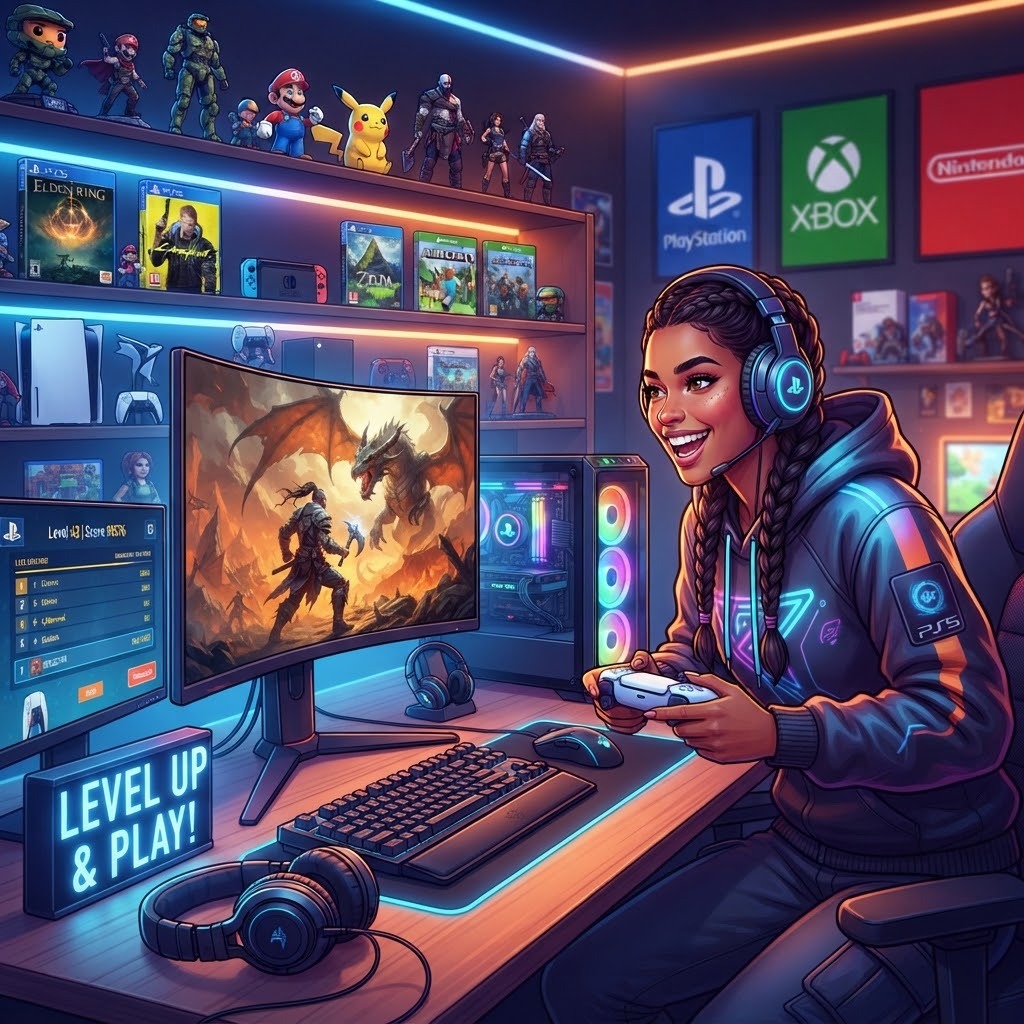
Keep Your Storage Organized
Modern PC games can require a significant amount of storage space. Keeping your drives organized makes it easier to manage your library and maintain enough free space for updates.
An SSD can also improve loading times compared with older mechanical hard drives. While it does not automatically increase gaming performance in every situation, faster storage can make launching games and moving between different areas more convenient.
Adjust Graphics Settings
Many gamers leave every graphics option at its highest setting without considering how each option affects performance. This can sometimes result in lower frame rates without providing a major visual improvement.
Experimenting with settings such as shadows, reflections, texture quality, and anti-aliasing can help create a better balance between image quality and performance.
The goal is not necessarily to use the highest possible settings. Instead, aim for a configuration that looks good while maintaining stable gameplay.
Keep Drivers and Software Updated
Graphics drivers and other system software can affect compatibility and performance. Keeping them reasonably up to date can help prevent avoidable problems with newer games.
It is also useful to remove unnecessary background applications when gaming. Programs running in the background may consume system resources and can sometimes interfere with performance.
Think About Your Internet Connection
For online gaming, connection quality can be just as important as hardware. A fast connection is useful, but stability and latency are also important.
If possible, using a wired Ethernet connection can provide a more consistent connection than Wi-Fi. Players using Wi-Fi should make sure their gaming PC has a strong connection to the router and that unnecessary network activity is limited while playing.
Explore Games Beyond the Popular Releases
PC gaming offers an enormous variety of experiences. Alongside major releases, there are indie games, strategy titles, simulation games, multiplayer experiences, and older classics that can provide hours of entertainment.
Trying different genres can also help players discover games they might otherwise overlook. Gaming communities and dedicated guides can be useful sources for finding interesting titles.
Learn Before You Upgrade
One of the biggest mistakes new PC Gamers can make is upgrading components without first identifying the actual problem. If a game is running poorly, check CPU and GPU usage, temperatures, RAM usage, storage space, and graphics settings before spending money. Understanding the source of a performance problem can help you choose a more useful solution.
Find Useful Gaming Resources
As the PC gaming world continues to grow, players have access to more information than ever. Guides, hardware discussions, game recommendations, troubleshooting articles, and performance tips can all make the learning process easier.
PGUnlocked is focused on helping Gamers explore this world through practical PC gaming content and useful information. Whether someone is learning about gaming hardware or simply looking for ideas for their next game, having a reliable source of information can make the process easier.
Final Thoughts
A better PC gaming experience does not always require a major investment. Understanding your hardware, optimizing settings, maintaining your system, and exploring new games can make a significant difference.
The best approach is to improve your setup gradually and make decisions based on your actual gaming needs. With the right combination of hardware, settings, and knowledge, PC gaming can become smoother, more enjoyable, and easier to manage.
Comments
Log in or sign up to join the conversation.