
If you are flying with SWISS International Air Lines from the United States and already have TSA PreCheck, adding your Known Traveler Number (KTN) to your reservation can make airport security much easier. TSA PreCheck allows eligible travelers to use dedicated security lanes at participating U.S. airports and generally avoid removing shoes, belts, light jackets, laptops, and compliant liquids.
SWISS confirms that TSA PreCheck is available to enrolled members traveling on SWISS flights. The airline also explains that your Known Traveler Number must be provided when checking in so that the appropriate TSA PreCheck indicator can appear on your boarding pass.
If you are wondering how to add TSA PreCheck to Swiss International Air Lines, this guide explains the process, what information you need, and what to do if the PreCheck indicator does not appear.
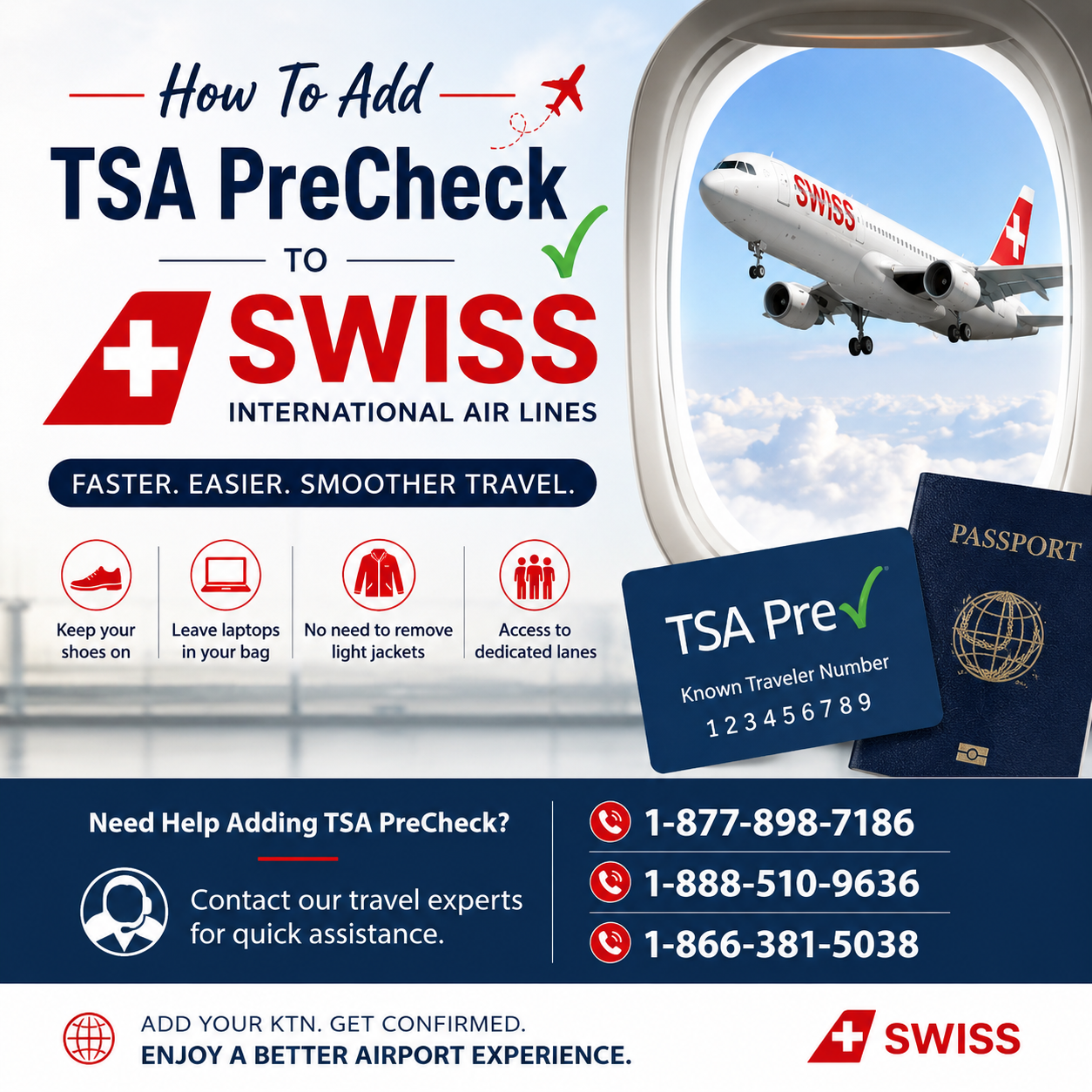
What Is TSA PreCheck?
TSA PreCheck is a U.S. Transportation Security Administration program for eligible, low-risk travelers. Once approved, travelers receive a Known Traveler Number (KTN) that can be added to participating airline reservations.
The KTN connects your airline reservation with your TSA PreCheck eligibility. TSA says the number can be added when making a reservation, through an airline's reservation center, or through other applicable travel-management channels.
If you already have Global Entry, NEXUS, or SENTRI, you generally use your PASSID as your KTN rather than applying for another TSA PreCheck membership.
How To Add TSA PreCheck To SWISS
Adding your TSA PreCheck information to a SWISS reservation may depend on how and where you booked your ticket. Follow these steps.
1. Find Your Known Traveler Number
Before updating your reservation, locate your KTN.
If you have TSA PreCheck but cannot remember your number, TSA provides an online KTN lookup service. You will generally need information such as your legal name and date of birth to retrieve it.
If your TSA PreCheck membership came through Global Entry, NEXUS, or SENTRI, your PASSID can serve as your KTN.
2. Open Your SWISS Reservation
Go to the official SWISS website and access your existing booking using the information associated with your reservation.
Look through the passenger or traveler information sections for an option related to Known Traveler Number, TSA PreCheck, or Secure Flight information.
If an appropriate field is available, enter your KTN carefully and save the updated passenger information.
3. Make Sure Your Personal Information Matches
One of the most important steps is checking that your information is accurate.
Your name and date of birth should correspond with the information associated with your TSA enrollment. TSA specifically recommends checking the reservation when PreCheck is missing and verifying that your name, date of birth, and KTN are correct.
A small discrepancy can prevent the TSA PreCheck indicator from being issued.
For example, check:
First and last name spelling
Middle name or initial, when applicable
Date of birth
KTN
Passport and Secure Flight information
4. Add Your KTN During Check-In if Necessary
SWISS specifically states that the KTN must be presented at check-in to take advantage of TSA PreCheck benefits.
Therefore, if you cannot add the number earlier in the booking process, check the passenger information during online check-in.
If you need assistance with your reservation, you may also contact the airline or your booking provider. Some travelers may search for assistance using numbers such as 1-877-898-7186, 1-888-510-9636, or 1-866-381-5038. However, verify that any phone number you use belongs to the appropriate airline or booking provider before sharing your personal or reservation information.
Does SWISS Offer TSA PreCheck?
Yes. SWISS states that TSA PreCheck is available to registered members traveling on SWISS flights. The benefit applies when departing from participating U.S. airports and when the traveler receives the appropriate TSA PreCheck designation on the boarding pass.
The important point is that simply having an active TSA PreCheck membership does not guarantee that every boarding pass will display the PreCheck indicator. Your reservation information must be correctly associated with your KTN, and TSA eligibility must be confirmed for that particular journey.
How Do I Know TSA PreCheck Was Added?
The easiest way to confirm is to check your boarding pass.
When you are eligible, your boarding pass should contain a TSA PreCheck indicator. SWISS explains that this notation allows eligible travelers to use the dedicated security lanes.
If the indicator is missing, do not assume that showing your TSA PreCheck membership card will be enough. TSA states that travelers need the TSA PreCheck indicator on their boarding pass to use the dedicated lane.
What If TSA PreCheck Is Not Showing On Your SWISS Boarding Pass?
If your PreCheck designation is missing, first review the information in your reservation.
Check your KTN
Make sure the number was entered correctly. One incorrect digit can prevent the system from matching your reservation.
Check your name
Compare the name on your SWISS reservation with the information associated with your TSA membership.
Check your date of birth
An incorrect birth date can also interfere with the eligibility matching process.
Contact SWISS or your booking provider
If everything appears correct but the indicator is still missing, contact SWISS or the travel agency through which you purchased your ticket. Ask them to review your Secure Flight Passenger Data and KTN.
TSA also recommends checking the reservation details first and contacting the TSA Contact Center if problems continue.
Can Global Entry Members Get TSA PreCheck On SWISS?
Yes. SWISS states that members of Global Entry are automatically enrolled for TSA PreCheck.
If you have Global Entry, you generally do not need to obtain a separate TSA PreCheck membership. Your Global Entry PASSID functions as your KTN for participating airline reservations.
When Should You Add Your KTN?
The best approach is to add your KTN as early as possible after booking. Doing this gives you time to verify that the information has been saved correctly before your departure.
It is also a good idea to check your boarding pass after completing check-in. If the TSA PreCheck indicator is not there, address the issue before heading to the security checkpoint whenever possible.
TSA PreCheck Benefits When Flying SWISS
When TSA PreCheck eligibility is confirmed on your boarding pass, eligible travelers can generally enjoy a faster and more convenient screening experience.
SWISS highlights benefits such as:
Access to dedicated TSA PreCheck security lanes
No routine requirement to remove shoes
No routine requirement to remove belts
No routine requirement to remove light jackets
Keeping compliant laptops and liquids in your carry-on under TSA rules
Potentially shorter security wait times
The exact screening process is controlled by TSA, and participation or expedited screening is not guaranteed for every traveler or every flight.
Frequently Asked Questions
Can I add TSA PreCheck after booking a SWISS flight?
Yes. TSA says a KTN can be added to an existing airline reservation through applicable airline channels. SWISS also instructs enrolled travelers to provide their KTN at check-in.
Where can I find my TSA PreCheck number?
If you have forgotten your KTN, use the official TSA KTN lookup service. Global Entry, NEXUS, and SENTRI members can use their PASSID as their KTN.
Does TSA PreCheck work on SWISS international flights?
TSA PreCheck applies to eligible security screening at participating U.S. airports. It does not mean that you receive expedited security or immigration processing in every country you visit.
What if my boarding pass does not show TSA PreCheck?
Check your KTN, name, and date of birth in the reservation. If everything is correct and the indicator remains absent, contact SWISS or the appropriate travel provider and, if necessary, TSA.
Final Thoughts
Adding TSA PreCheck to a SWISS International Air Lines reservation is primarily about making sure your Known Traveler Number and passenger information are correctly connected to your booking. Start by locating your KTN, add it to your reservation when possible, and verify the information before checking in.
Most importantly, look at your final boarding pass. The TSA PreCheck indicator is what confirms that you have been cleared to use the dedicated screening lane for that trip. SWISS confirms that TSA PreCheck is available to enrolled members traveling on its flights, making it a useful option for eligible travelers departing from participating U.S. airports.
Comments
Log in or sign up to join the conversation.