
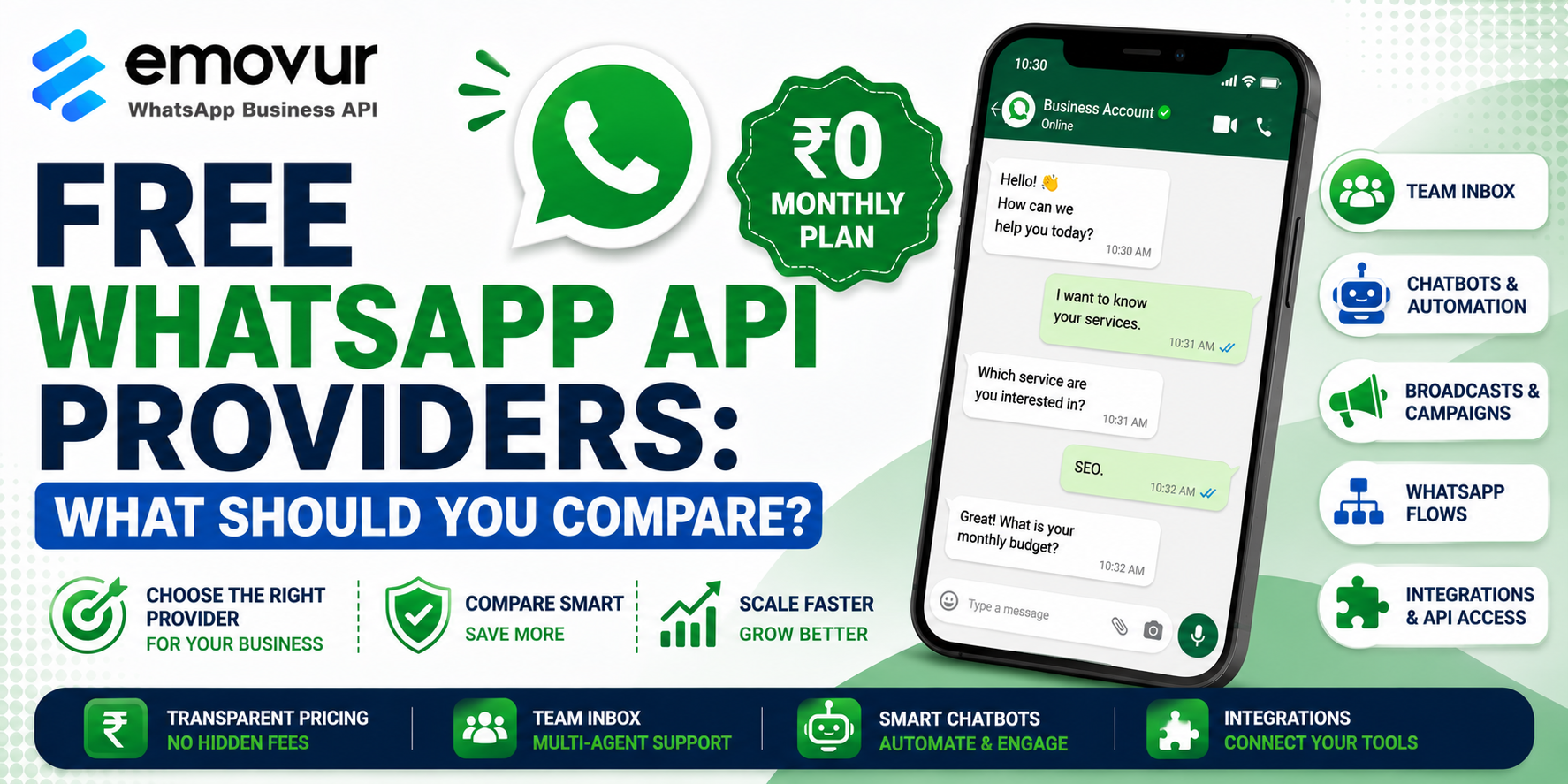
Businesses are increasingly using WhatsApp to generate leads, communicate with customers, provide support, send notifications, and automate repetitive conversations. As WhatsApp becomes an important part of business communication, choosing the right free WhatsApp API provider can help startups and small businesses reduce their initial software costs.
However, choosing a provider simply because it advertises a free WhatsApp API can lead to unexpected limitations or costs.
Some providers offer a free forever plan, while others provide only a limited free trial. Features such as team inboxes, chatbots, broadcasts, WhatsApp Flows, integrations, and developer APIs can also vary significantly between platforms.
This guide explains what to compare when choosing a free WhatsApp API provider and how to determine which option is suitable for your business.
What Is a Free WhatsApp API Provider?
A free WhatsApp API provider gives businesses access to WhatsApp Business Platform functionality through a software platform, with either a ₹0 monthly subscription plan or a free trial.
The API allows businesses to connect WhatsApp with business software and create automated communication workflows.
Businesses can use WhatsApp API for:
Lead generation
Customer support
WhatsApp chatbots
Automated replies
Shared team inboxes
Customer notifications
Appointment reminders
Broadcast campaigns
CRM integrations
Automated customer journeys
Unlike the WhatsApp Business app, an API-based platform is designed for businesses that need automation, multiple users, integrations, and scalable communication.
Businesses looking for a WhatsApp automation platform can explore the WhatsApp Business API by Emovur to understand its available features.
Is a Free WhatsApp API Really Free?
The first thing to compare is what the provider actually means by “free.”
A provider may offer:
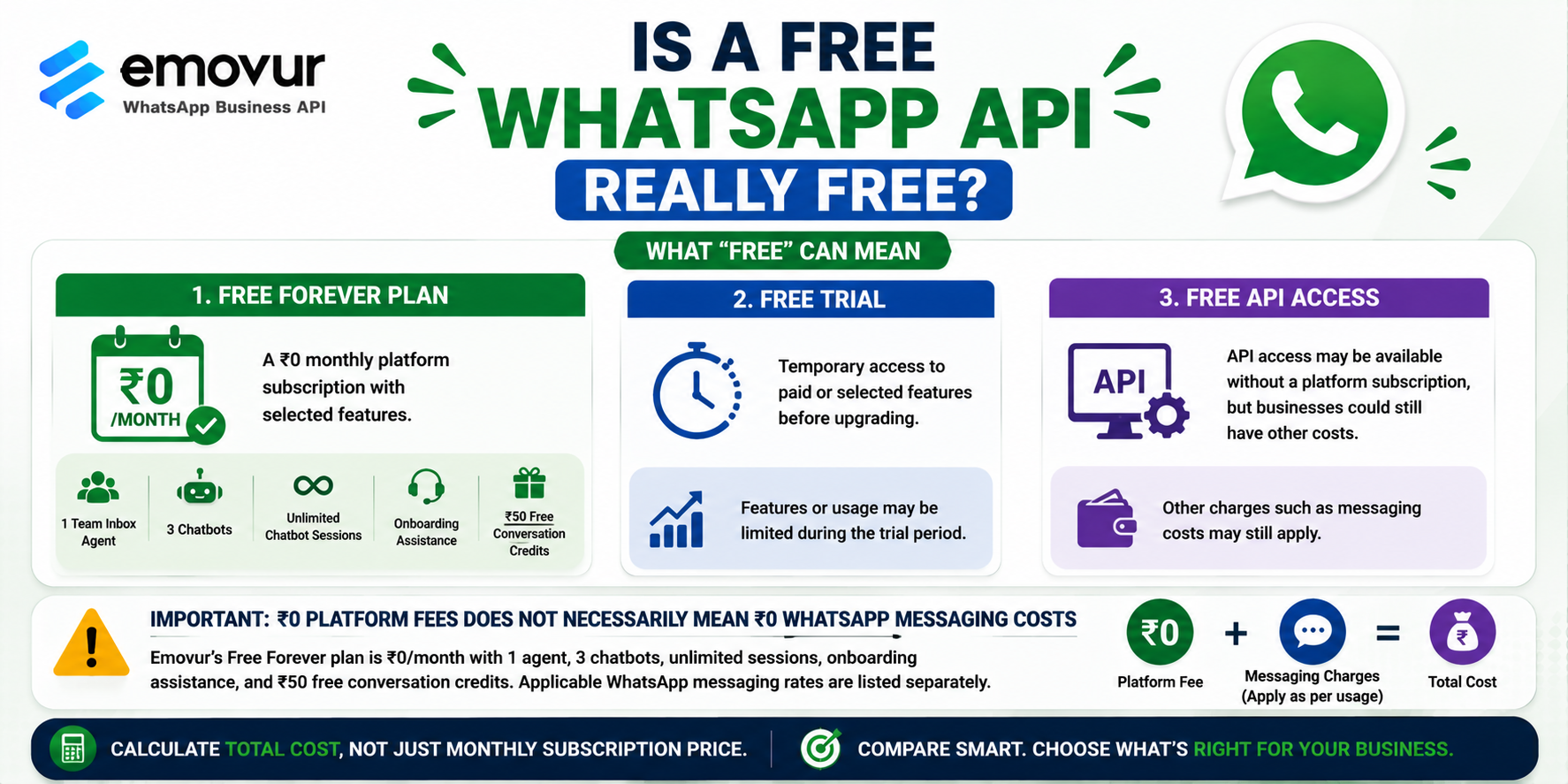
Free Forever Plan:
A ₹0 monthly platform subscription with selected features.
Free Trial:
Temporary access to paid or selected features before upgrading.
Free API Access:
API access may be available without a platform subscription, but businesses could still have other costs.
Most importantly, ₹0 platform fees do not necessarily mean ₹0 WhatsApp messaging costs.
For example, Emovur currently lists a Free Forever plan at ₹0/month with one team inbox agent, three chatbots, unlimited chatbot sessions, onboarding assistance, and ₹50 in free conversation credits. Its pricing page separately lists applicable messaging rates.
Businesses should therefore calculate the total cost instead of comparing only monthly subscription prices.
1. Compare Monthly Platform Fees
The first comparison should be the monthly subscription.
Some providers may offer a free plan, while others may only provide a limited trial before requiring a paid subscription.
Check:
Is the free plan permanent?
How many users are included?
How many chatbots are available?
Are automation features included?
Are integrations available?
What happens after the trial ends?
A genuinely useful free plan should provide enough functionality to test WhatsApp automation without immediately forcing an upgrade.
2. Compare WhatsApp Messaging Charges
Messaging charges can have a major impact on the overall cost of WhatsApp communication.
Don't assume that two providers with similar monthly subscription prices will have the same total cost.
Check:
Marketing message charges
Utility message charges
Authentication message charges
Applicable service-message rules
Free messaging allowances
Provider markup
Emovur currently publishes separate messaging rates for its plans and states that it operates with a 0% markup model.
For a detailed explanation of WhatsApp costs in India, businesses can also read the WhatsApp API Pricing in India guide.
3. Check for Provider Markup
Provider markup is another important factor when comparing WhatsApp API providers.
A provider can charge a monthly subscription, add a markup to messaging charges, or use another pricing structure.
For example, Emovur currently promotes a 0% markup model, stating that businesses pay Meta's official conversation rates without an additional BSP markup.
When comparing providers, ask for a clear answer to:
“How much do I pay above Meta's WhatsApp messaging charges?”
If the answer is unclear, investigate the pricing structure before signing up.
4. Compare WhatsApp Inbox Features
A shared team inbox becomes important when multiple employees need to manage customer conversations.
A free plan may provide only one agent, while paid plans can offer additional or unlimited agents.
Check whether the provider supports:
Shared inbox
Multiple agents
Conversation assignment
Internal notes
Customer labels
Conversation history
Automated routing
Agent permissions
For a business with one person handling WhatsApp, a basic inbox may be sufficient.
For a sales or customer support team, multi-agent functionality can become much more important.
5. Compare Chatbot and Automation Features
Chatbot functionality is another major area to compare.
A basic free plan may allow businesses to create simple chatbots, while advanced plans may include more triggers, workflows, or automation capabilities.
A chatbot can:
Customer: I want to know your services.
Bot: Which service are you interested in?
Customer: SEO.
Bot: What is your monthly budget?
The chatbot can then collect the information and pass the lead to the sales team.
Businesses interested in this use case can explore the WhatsApp Chatbot for Business guide.
6. Compare Broadcast and Campaign Features
If your business plans to use WhatsApp for marketing, compare the campaign tools carefully.
Look for:
Broadcast campaigns
Campaign scheduling
Audience segmentation
Retargeting
Message templates
Campaign analytics
Contact management
Some platforms are particularly focused on WhatsApp marketing, while others focus more heavily on customer support, ecommerce, or automation.
Choose according to your primary business objective.
7. Check WhatsApp Flows and Advanced Automation
Businesses with more advanced requirements should check whether the provider supports WhatsApp Flows.
WhatsApp Flows can help create structured in-chat experiences for activities such as collecting information, registrations, enquiries, and other customer processes.
Advanced automation may also include:
Triggers
Drip campaigns
Automated customer journeys
Conditional workflows
Lead routing
Follow-up automation
Not every free plan includes these features.
8. Compare API and Integration Capabilities
If you need to connect WhatsApp with another business system, check the provider's integration options.
You may want to connect WhatsApp with:
CRM software
Ecommerce platforms
Lead management systems
ERP systems
Websites
Custom applications
Marketing tools
Some providers offer pre-built integrations, while others provide developer APIs for custom implementation.
Emovur's current plans, for example, distinguish between template-message API functionality on its Starter plan and full developer API access on its Advanced plan.
9. Compare Onboarding and Customer Support
A free platform is not necessarily useful if your team struggles to configure it.
Check whether the provider offers:
Onboarding assistance
Setup guidance
Training
Documentation
Chat support
Technical support
Dedicated account management
This becomes especially important for businesses that have never used WhatsApp API before.
The WhatsApp API Provider Checklist provides additional questions businesses can ask before choosing a provider.
10. Compare Scalability
Your business may start with a free plan but eventually need more functionality.
Before choosing a provider, check what happens when you need:
More team members
More chatbots
Higher messaging volumes
Advanced automation
WhatsApp Flows
CRM integrations
Developer API access
Campaign scheduling
A good provider should offer a clear upgrade path instead of forcing you to migrate to another platform as your business grows.
Which Free WhatsApp API Provider Should You Choose?
There is no single provider that is best for every business.
For basic WhatsApp automation, prioritize a reliable free plan with an inbox and chatbot capabilities.
For lead generation, look for chatbot automation, lead qualification, and Click-to-WhatsApp capabilities.
For customer support, prioritize shared inboxes and multi-agent functionality.
For ecommerce, look for ecommerce integrations, product communication, customer support, and order-related workflows.
For advanced automation, compare WhatsApp Flows, triggers, drip campaigns, CRM integrations, and developer APIs.
Recent comparisons of WhatsApp chatbot platforms in India similarly evaluate providers based on official API access, team inboxes, chatbot functionality, integrations, pricing transparency, and business use cases.
See the WhatsApp API Product Demo
Before selecting a provider, seeing the platform in action can make the comparison easier.
Explore the WhatsApp API Product Demo to understand how chatbots, shared team inboxes, broadcasts, WhatsApp Flows, automation, and other business communication features work.
A demo can help you determine whether the free plan provides enough functionality for your business or whether you will eventually need a paid plan.
Final Thoughts
Choosing among free WhatsApp API providers should involve more than comparing which company offers a ₹0 monthly plan.
Look at the complete picture: platform fees, WhatsApp messaging charges, provider markup, inbox capabilities, chatbot limits, automation, broadcasts, integrations, support, and scalability.
A free plan can be an excellent starting point for startups and small businesses that want to test WhatsApp automation without committing to a recurring software subscription.
If you're comparing providers, start with the WhatsApp Business API plans and pricing, review the features included in the free plan, and explore the WhatsApp API Product Demo before making your final decision.
Comments
Log in or sign up to join the conversation.