
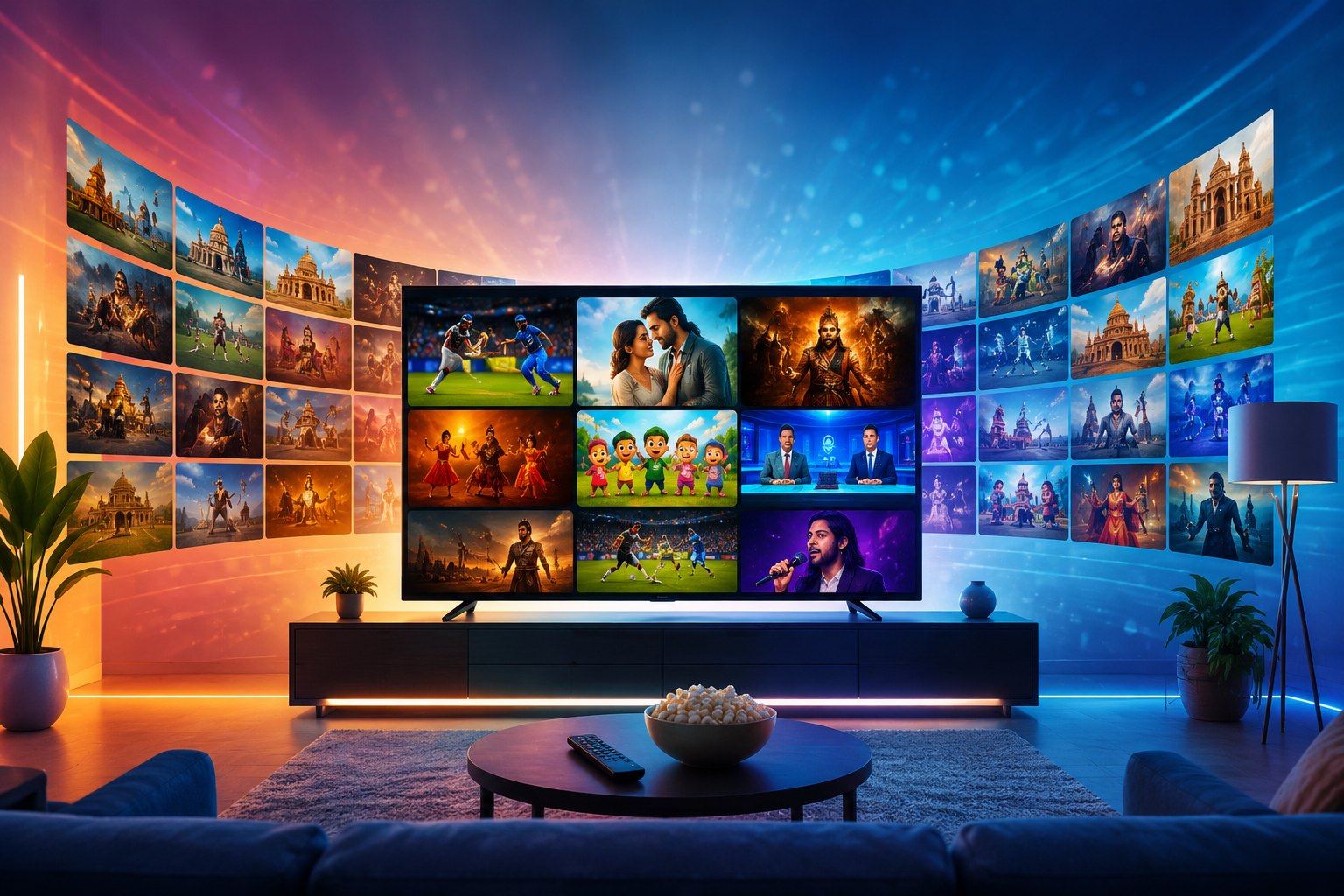
Television entertainment has evolved considerably with the growth of internet streaming. Many viewers now prefer flexible ways to access live television, movies, and on-demand content without depending entirely on traditional cable or satellite services. IPTV is one technology that makes this possible by delivering television programming through an internet connection and compatible devices.
What Is an IPTV Box?
An IPTV box is a streaming device that connects to a television and an internet network. It can provide access to compatible IPTV applications and other streaming platforms, depending on the device and software installed.
Unlike a traditional cable box, an IPTV box generally relies on an internet connection to receive streaming content. The box itself does not automatically provide legal access to every television channel or movie. The available content depends on the applications and legitimate services used with the device.
For people researching an IPTV box in USA, it is important to consider device compatibility, operating system, processing performance, available storage, connectivity options, and support for the video resolutions they intend to use.
How Does an IPTV Box Work?
The basic setup is relatively simple. The IPTV box connects to your television through a compatible video connection and accesses the internet through Wi-Fi or Ethernet. Users can then install or open supported applications and sign in to their chosen streaming service.
A typical setup involves:
Connecting the box to the television.
Connecting the device to the internet.
Completing the initial device setup.
Installing a compatible application if required.
Entering legitimate account credentials.
Opening the available television or streaming content.
The exact steps vary depending on the box, application, and service provider.
Benefits of Using an IPTV Box
An IPTV box can turn a regular television into a more versatile entertainment device when it supports the applications and services you want to use.
Convenient Streaming
A dedicated streaming box can provide a central place for accessing compatible IPTV applications and other streaming platforms.
Large-Screen Viewing
While smartphones and tablets are useful for mobile viewing, many people prefer watching movies, sports, and television programs on a larger television screen.
Better Connectivity Options
Many modern streaming devices support both Wi-Fi and wired Ethernet connections. Ethernet can be useful when a stable connection is important for high-quality streaming.
Support for High-Resolution Video
Some devices support HD, 4K, or higher-resolution playback. However, actual quality also depends on the source content, internet connection, application, and television.
What Should You Consider Before Buying an IPTV Box?
Not every streaming box is the same. Before purchasing one, consider your television and viewing requirements.
Operating System
Check which operating system the device uses and whether it supports the applications you want to install.
Connectivity
Look for suitable Wi-Fi and Ethernet capabilities. A wired connection can be helpful if your streaming location is close to the router.
Video Resolution
If you have a 4K television, check whether the box supports the resolution and formats required by your preferred streaming services.
Storage and Performance
Adequate processing power and storage can make navigating applications smoother. Consider your intended use rather than simply choosing the device with the largest specifications.
Application Compatibility
Always confirm that the applications you intend to use are compatible with the device before buying.
Why IPTV Customer Support Matters
Technology can occasionally create setup or troubleshooting problems. This is where IPTV Customer Support becomes important.
A good support team can help customers understand installation procedures, account-related questions, application configuration, and basic troubleshooting.
Customer support is especially useful for users who are new to IPTV and may not be familiar with streaming applications or device settings.
Common Issues Customer Support Can Help With
Several common IPTV-related problems can often be addressed through proper troubleshooting.
Login Problems
Customers may occasionally enter incorrect usernames or passwords or experience account-related issues. Support can help verify account information and explain the appropriate login process.
Application Setup
Different devices may require different applications or configuration steps. Customer support can provide instructions specific to the supported platform.
Buffering
Buffering can result from several factors, including internet speed, Wi-Fi signal strength, device performance, network congestion, or problems on the streaming side.
Support can help identify possible causes and recommend appropriate troubleshooting steps.
Device Compatibility
If an application does not work as expected, support can clarify whether the device is officially supported and explain available alternatives.
Subscription Questions
Customers may need assistance understanding subscription duration, renewal dates, supported connections, upgrades, cancellations, or other account terms.
How to Get Better IPTV Performance
Even with a good device and service, your home network plays an important role in streaming performance.
Use a Stable Internet Connection
Live and high-resolution streaming requires sufficient and consistent bandwidth. If several people are using the same connection, network congestion may affect playback.
Prefer Ethernet When Practical
For a stationary IPTV box, Ethernet can provide a more consistent connection than Wi-Fi when the router is nearby.
Restart Your Equipment
If playback suddenly becomes unstable, restarting the streaming device and router can sometimes resolve temporary connectivity problems.
Keep Software Updated
Check for available updates for the device and compatible applications. Updates can improve performance, compatibility, and security.
Choosing a Reliable IPTV Service
The IPTV box is only one part of the overall viewing experience. The service providing the content is equally important.
Before subscribing, review:
Available channels
Supported devices
Streaming quality
Subscription pricing
Number of connections
Customer support
Cancellation and refund policies
Terms of service
Content licensing information
Consumers should also remember that an IPTV box itself does not determine whether streamed content is authorized. The legality of the content depends on the rights and permissions of the service distributing it.
Final Thoughts
An IPTV box can be a convenient way to access compatible internet-based television and streaming applications on a television in the USA. However, selecting the right device is only the beginning. Users should also evaluate their internet connection, application compatibility, subscription terms, and the legitimacy of the content provider. Reliable IPTV Customer Support can make setup and troubleshooting considerably easier, particularly for viewers who are new to IPTV technology.
Comments
Log in or sign up to join the conversation.