
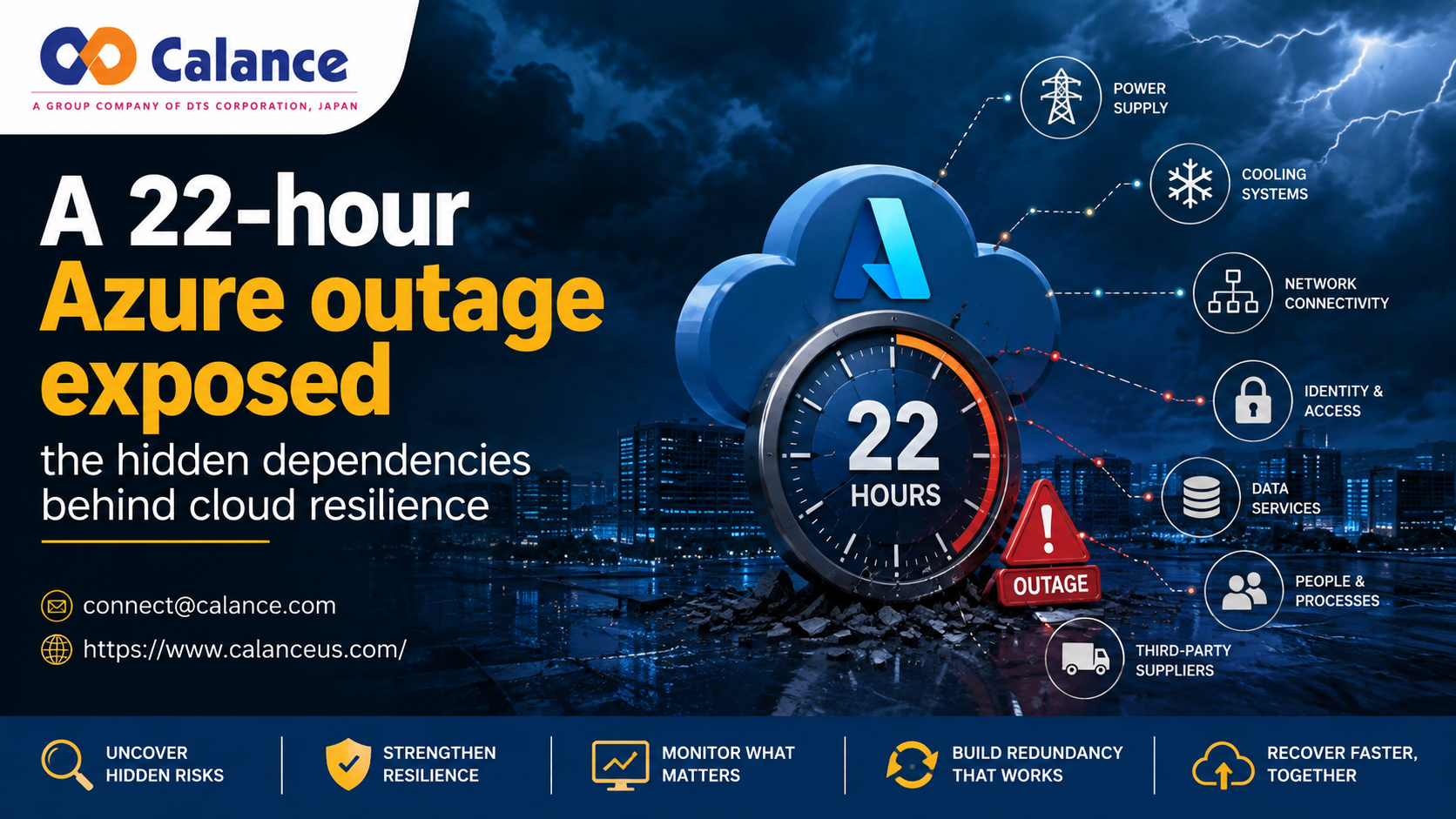
A Microsoft Azure incident in West US 2 began on May 29, 2026, and lasted about 22 hours. A severe storm affected utility power, and some cooling systems moved into a protective state. Parts of the site shut down across 2 availability zones. The Azure incident review shows the hidden link: cloud work can still depend on power, cooling, networks, and recovery systems that the application team does not control.
The business goal can fail outside the application
Most cloud projects start with a clear goal. A company may want to retire old servers, reduce local upkeep, support remote staff, or move data into managed services. The visible plan may focus on apps and migration tasks, while the full path also depends on identity rules, networks, data owners, suppliers, and approvals. Any one of those links can stop the user flow even when the cloud service is healthy.
The May 2026 incident makes that risk easier to see. Some services needed extra time to clear backlogs after core systems returned. Teams need a map of the service path before a major move. That map should show the parts they control and the parts that need a fallback plan.
Migration exposes links that old systems kept close
Moving work to the cloud changes where each part runs and who manages it. It does not remove the ties between those parts. Calance describes Microsoft Azure Cloud Native Services as a move from local systems toward managed Microsoft services such as Entra ID, OneDrive, SharePoint Online, Universal Print, and Azure Monitor. Each move can still depend on older systems during the change.
A file move may depend on account access, network speed, data owners, and old permissions. A sign-in change may depend on device rules and older login methods. A print move may depend on local hardware. If one link is missed, users can lose access even when the cloud platform is working.
Failure checks need to include services outside the workload
Teams can reduce this risk by checking how each business flow can fail before they move it. Microsoft's failure mode analysis guidance tells teams to review internal and external dependencies, failure points, blast radius, detection, and response. That can include APIs, key stores, sign-in services, and network links. The aim is to find weak connections while there is still time to fix them.
This matters during Cloud Native Application Modernization because old systems can hide years of small links. A batch job may need a service account that no one owns. A new app may still need a firewall rule known by only 1 network engineer. These details can look minor until they block a major cutover.
Ownership and monitoring decide how fast teams can respond
A dependency is harder to manage when no one owns it. The platform team may run Azure settings, while the security team owns access rules. A supplier may control an app connector. When a failure crosses these lines, response time depends on whether an owner is known.
This is also true when cloud work connects with Microsoft Modern Workplace Services. Device policy, user access, help desk steps, training, and change approval can all affect one user task. Teams should record the owner, backup contact, alert path, and recovery action for each major dependency. Clear ownership gives the response team a direct next step.
Monitoring should follow the same service path. Azure Monitoring Services can help teams connect resource signals with failed user tasks. An alert should show which dependency failed, which flow is affected, and who owns the next action. That is more useful than a technical warning that leaves responders to search for the business effect.
Redundancy must cover the parts outside your control
Some dependencies sit outside the team's direct control, such as utility power, telecom providers, SaaS platforms, or regional cloud services. Uptime Institute's Annual Outage Analysis 2026 says 57% of survey respondents reported that their most recent major outage cost more than $100,000. It also says 1 in 5 reported a cost above $1 million. Those figures show why backup plans need to cover more than servers.
A second region can still share identity, deployment tools, staff access, or supplier risk with the main region. If both paths depend on the same weak link, both can fail for the same reason. Teams should test whether the backup path is separate where separation matters. Shared dependencies should be recorded as risks that need a clear response plan.
Recovery plans need a business time limit
Recovery should be tied to the longest outage the business can accept. NIST defines a recovery time objective as the time system parts can remain in recovery before the delay harms business or mission work. That gives teams a target they can test. It also forces the test to include the full service path.
A recovery test should check access rights, data state, staff cover, supplier response, and failover approval. It should confirm that the restored service can support the business task. If a backup starts in 30 minutes but key data takes 6 hours to return, the real recovery time is closer to 6 hours. That is the time the business needs to plan around.
Test the dependency before the next major decision
The next cloud decision should start with the dependency likely to break the plan. Test what happens when that link fails, confirm who owns the response, and compare the result with the business recovery limit. The test may expose an issue in identity, network access, a supplier, data recovery, or approval. Finding that weak link before the next major change gives the team time to fix it or plan around it.
Frequently asked questions
What is a hidden dependency in Azure?
A hidden dependency is any service, person, data source, approval, network path, or supplier that a business task needs but the main system map does not show well. It may sit outside the cloud team's control. It can still stop the full user flow. Mapping these links makes the risk easier to see before a failure.
Which dependencies should teams map before cloud migration?
Teams should map the links needed for sign-in, network access, data, security rules, app links, support, and approvals. They should also record who owns each link. The map should show what happens if an item fails during the move. This helps teams find single points of failure before users find them.
How should teams decide where they need redundancy?
Start with business impact and recovery time. A dependency that can stop sales, safety work, legal duties, or a key customer service needs more protection than a low-impact task. The backup path should also be tested for shared risk. Two paths offer little protection if both rely on the same provider or access rule.
What should Azure monitoring cover beyond resource health?
Monitoring should follow the user flow across each major dependency. It should show failed calls, slow sign-ins, broken app links, and unusual delays. Alerts should name the affected service and the team that owns the next step. That reduces guesswork during an incident.
How often should recovery plans be tested?
The test rate should match the rate of change and the cost of failure. Teams should test after design changes, supplier changes, access policy changes, or outages that reveal a new weak link. High-impact systems may need tests more often than stable systems with low business risk. Each test should update the dependency map.
For more info Contact Us or send mail : [email protected] to get a quote.
Comments
Log in or sign up to join the conversation.